11.23 Rotate line(s) using keyboard
|
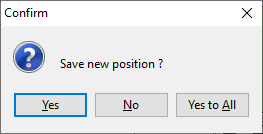
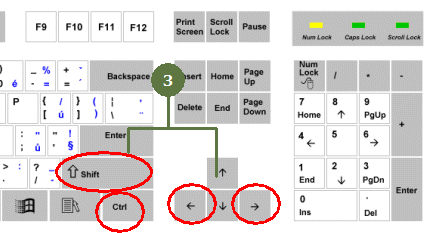
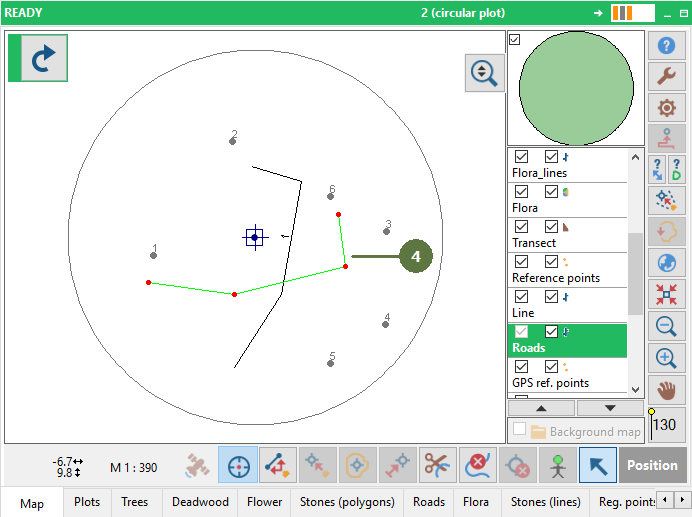
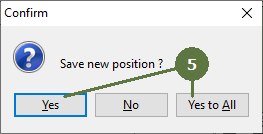
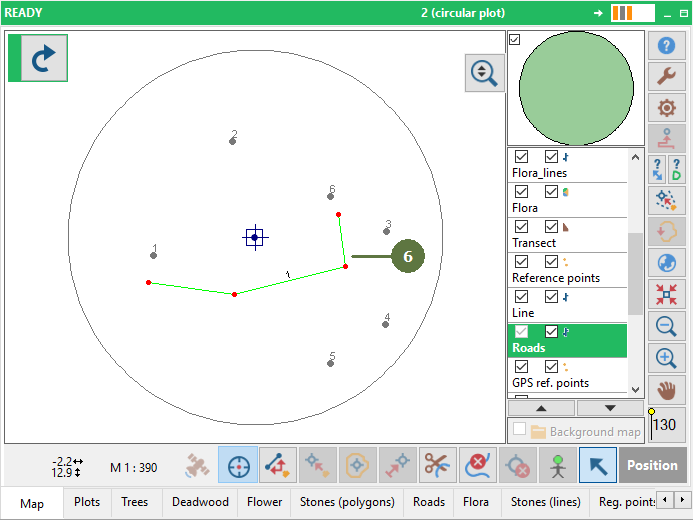
See the chapture “Shift line(s) using keyboard. You can keep a continuous line rotation by holding the “Ctrl + Shift” buttons and the “right or left arrow”button simultaneously. When a line has been rotated a confirmation message appears.
•“Yes” - the new line position is saved and next time the confirmation message appears again. •“Yes to All” - the new line position is saved and next time the confirmation message will not appear again until Field-Map restarts.
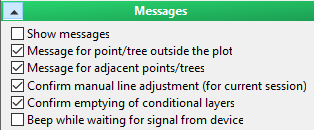
If you want to activate the confirmation massage for the current session, go to Settings/ “Messages” and activate the option “Confirm manual line adjustment (for current session)”. Line movement goes by steps which have a certain number of pixels, depending also on the current zoom. |
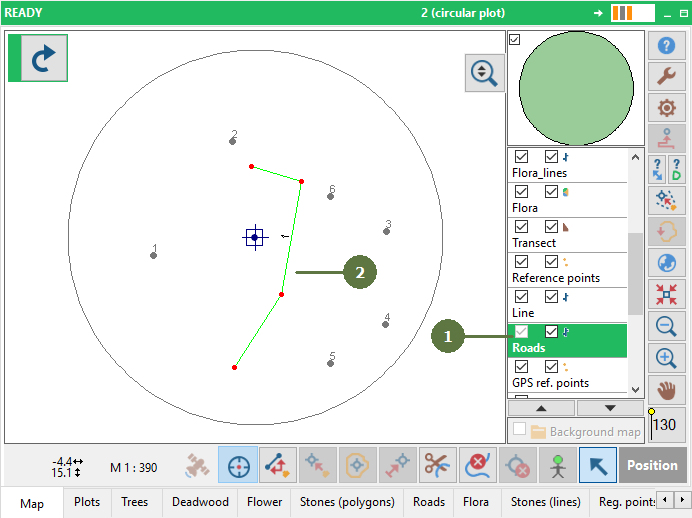
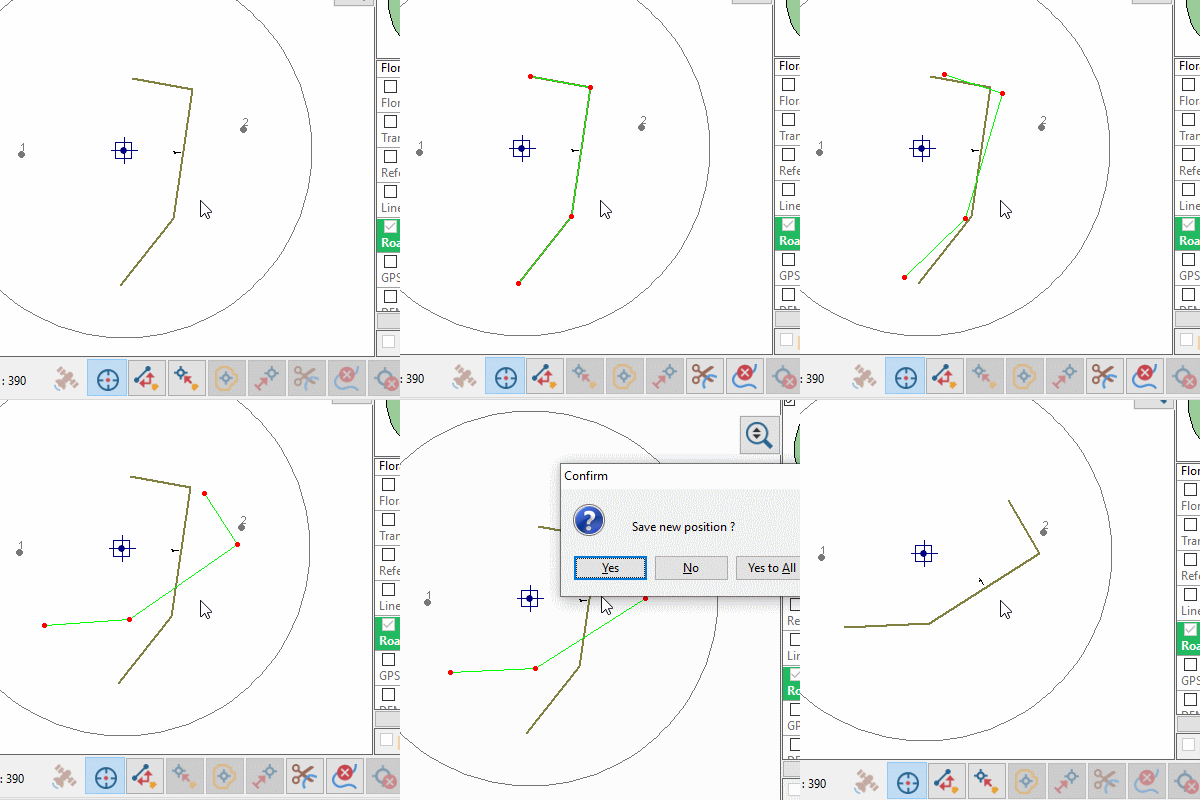
Example
|