19.15 Ordering items in table
|
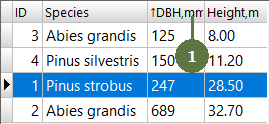
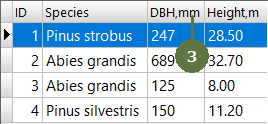
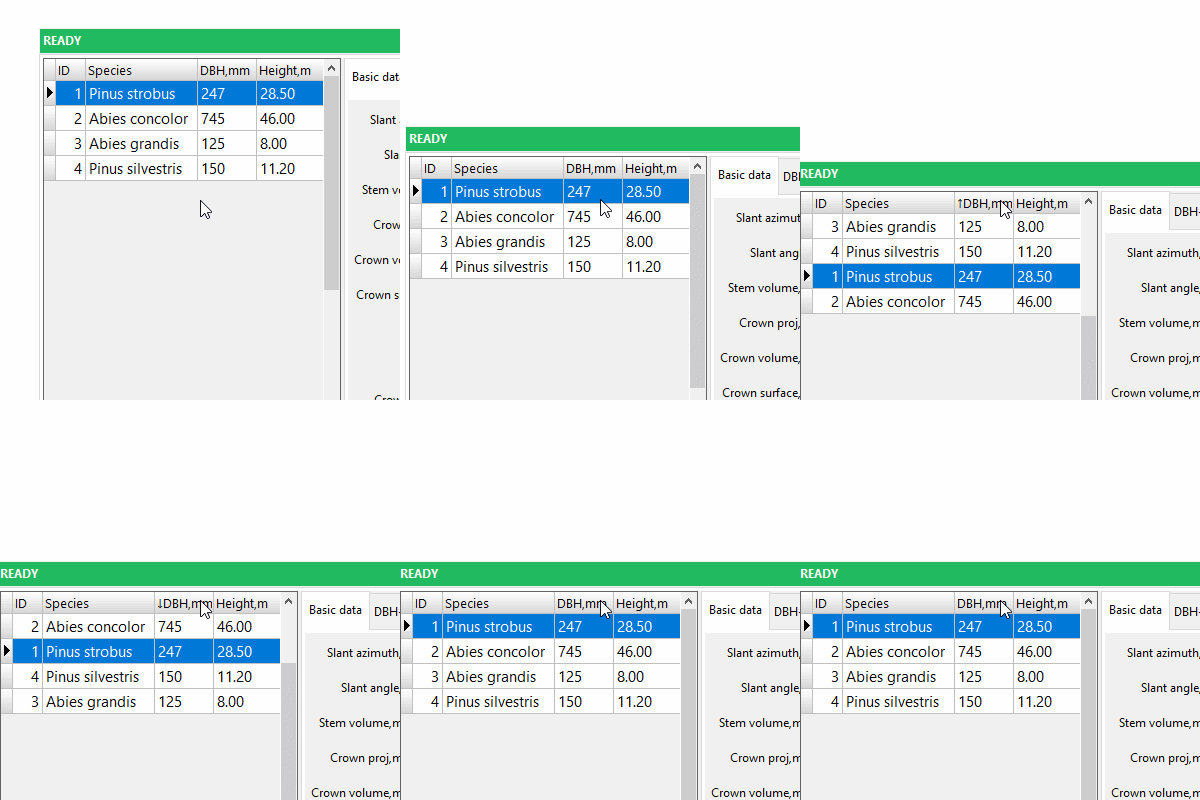
Unlike changing width of overview table columns, the ordering of items in table is not stored. Default ordering is thus loaded after the restart of Field-Map Data Collector. |
Example
|
|
Unlike changing width of overview table columns, the ordering of items in table is not stored. Default ordering is thus loaded after the restart of Field-Map Data Collector. |
Example
|