19.14 Table overview
|
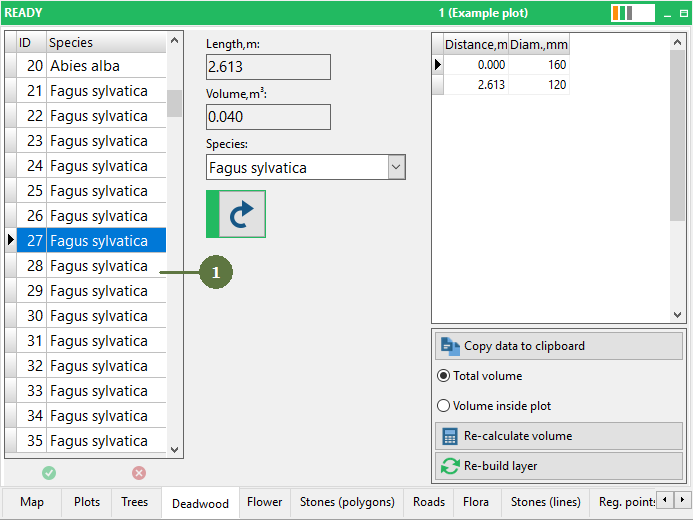
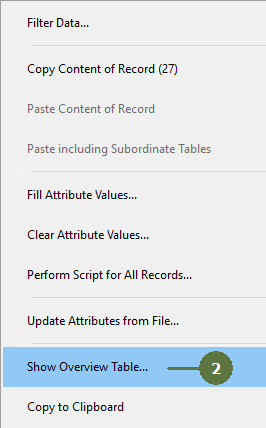
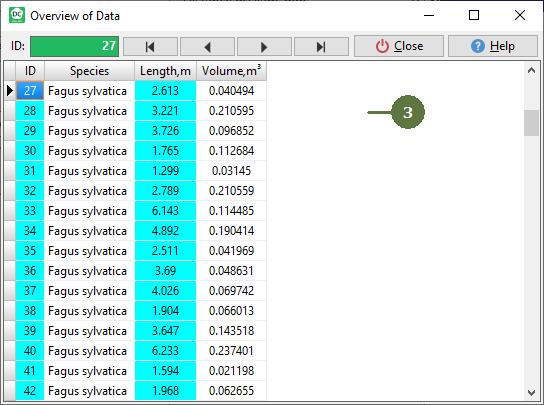
You can view and edit all attributes of data layer in overview mode. Overview form shows both codes and descriptions for the lookup list attributes. However, due to relations of the database, some fields of description may appear empty. This is just a visualization and it does not mean that data is missing. |
|