7.10 Selecting an entity by pen
|
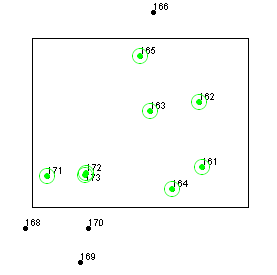
Link between map entity and record in attribute table Field-Map Data Collector maintains relations between the map and attribute tables. When you select an entity in the map, the same entity is also selected in the table and vice versa. Multi-select option Points or lines of active layer can be selected using a pen. Selection can be limited to a single point or open for multiple points (see settings). Points can be selected by clicking on them on the screen or by drawing rectangle or polygon on the screen. Selection is canceled by clicking on an empty part of the map. Repeated rectangular or polygonal selection inverts the status of points which are included.
Floating button for switching pages Floating button can be used for fast switching between map and attribute pages. This button is floating and its position can be set by dragging. The floating button can be switch on/off in Settings ("General/Switch between map and attributes" - Show floating switch button).
|
A green circle appears around the entity
|