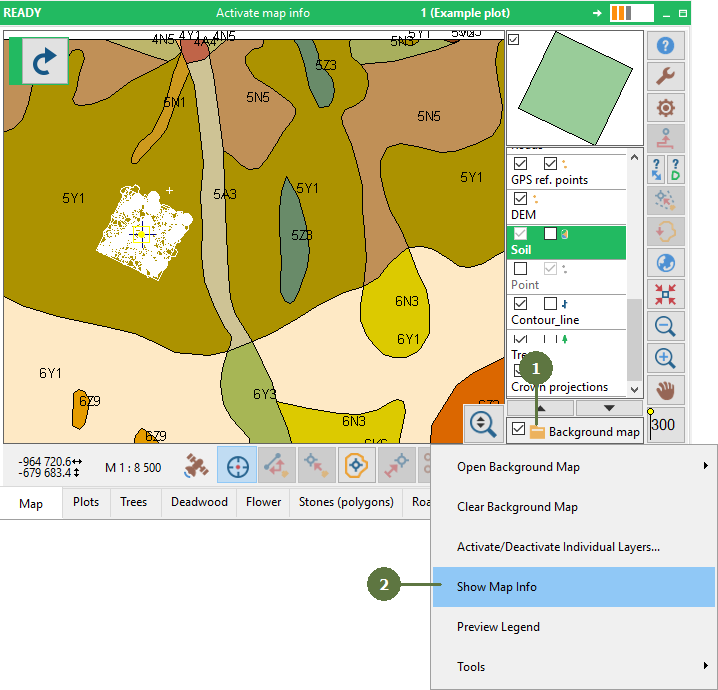
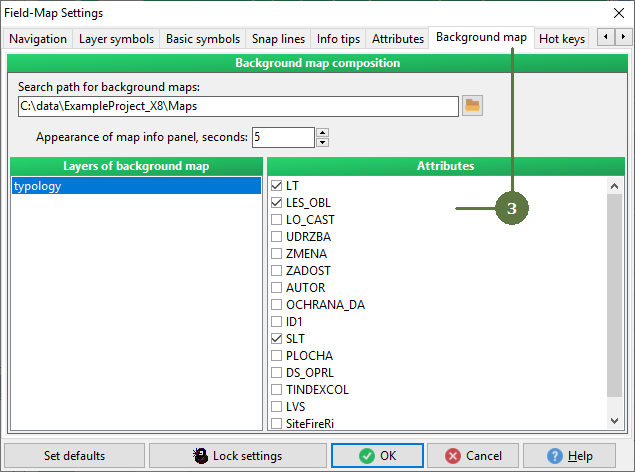
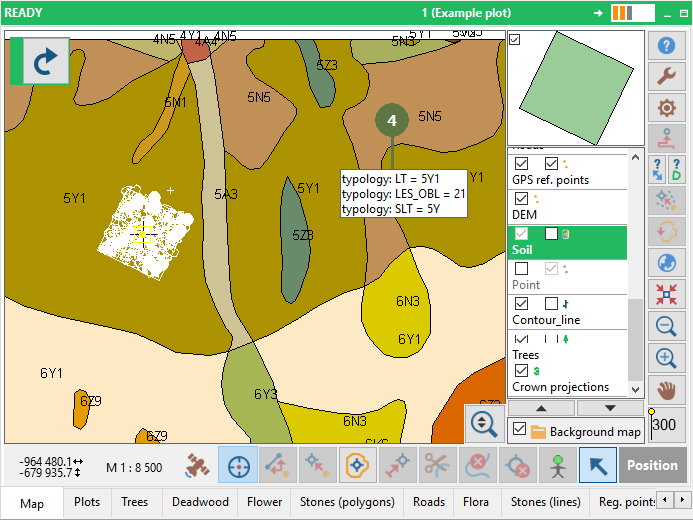
8.3 Show Map Info
|
Showing map info and legend is available only for map composition. For the steps how to build a map composition refer to Project Manager Help -> Editing background map composition |
|
|
Showing map info and legend is available only for map composition. For the steps how to build a map composition refer to Project Manager Help -> Editing background map composition |
|