10.1 Point layer
- Field-Map Data Collector maintains real-time relations between the map and the attribute table. Selecting an entity on the map will also select the appropriate record in attribute table and vice versa.
- Doubleclick the point layer to make it active.
- Only an appropriate subset of control buttons remains active when a point layer is selected.
- To see and edit layer attributes, switch to the attribute form.
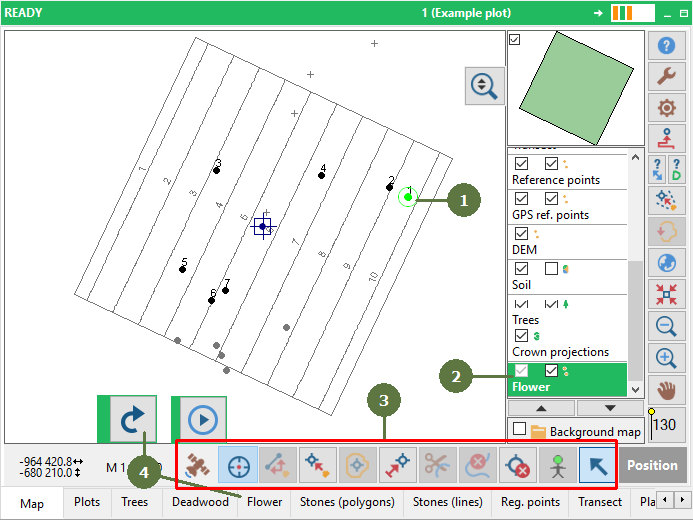
Point layer “Flower” selected on Map form
- Each entity has its own record in the attribute table.

Point layer “Flower” - attribute form