16.1.2 Copying to a new system
|
You can also view, edit, copy or delete systems when the plot is already converted to global co-ordinates. All the systems are greyed because if one of them is already assigned to the plot you cannot assign another one. Print system To print the system parameters click Print button. |
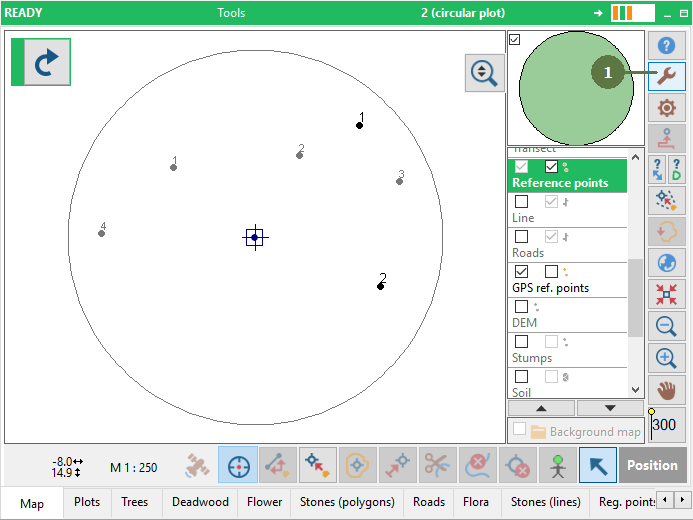
1. Click the Tools button
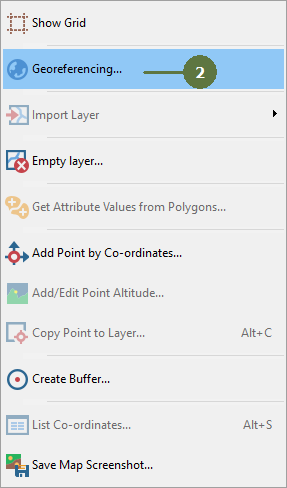
2. Select the Georeferencing button
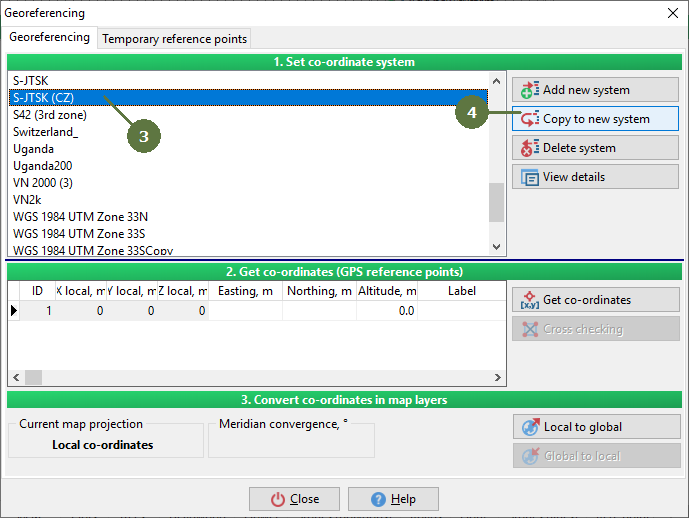
3. Select the system that is already defined 4. Click a Copy to new system button
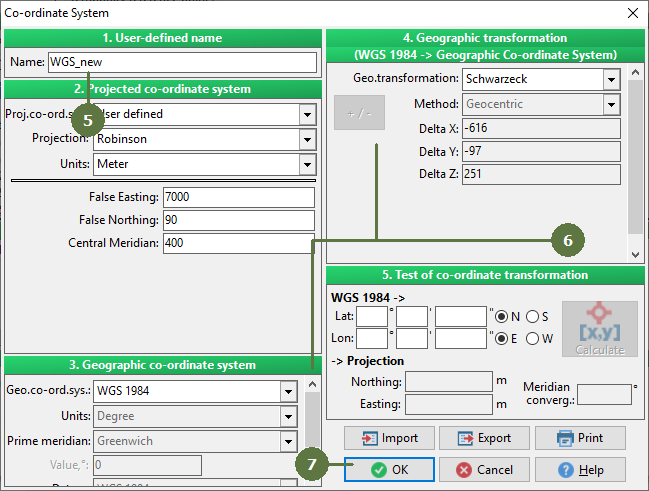
5. Enter the name of new system into the Name edit box 6. Adjust the parameters of the system 7. Click OK
|