13.16 Height measurement “Distance Measurement” mode
|
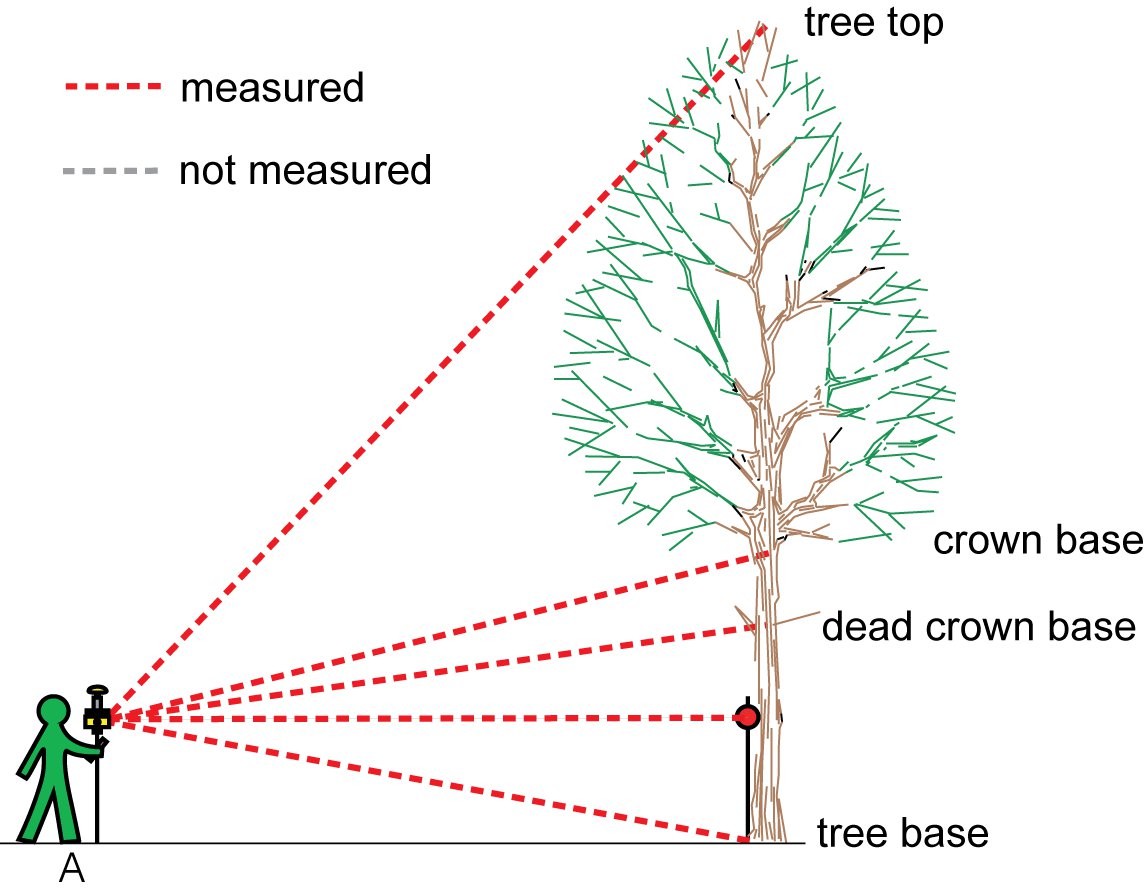
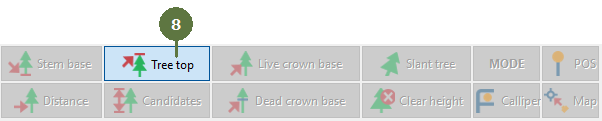
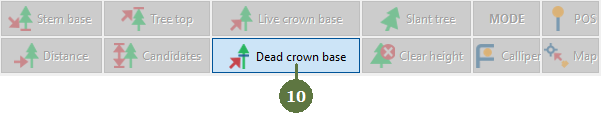
This mode is useful on plots with high stem density where you cannot see more than one tree from your position. With this mode you don’t have to worry about your or the trees position before you start measuring heights, because the laser is used as a classic hypsometer.
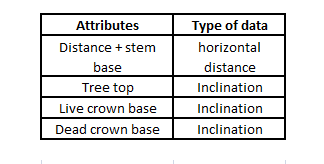
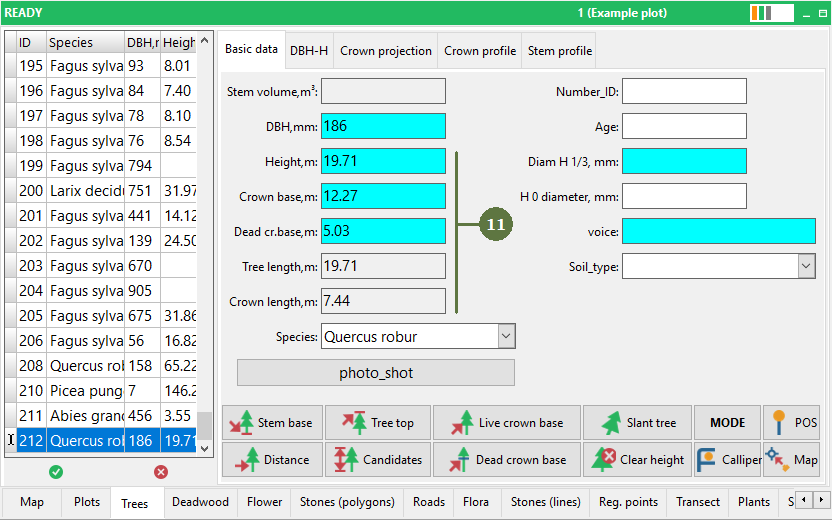
Measured system attributes
|
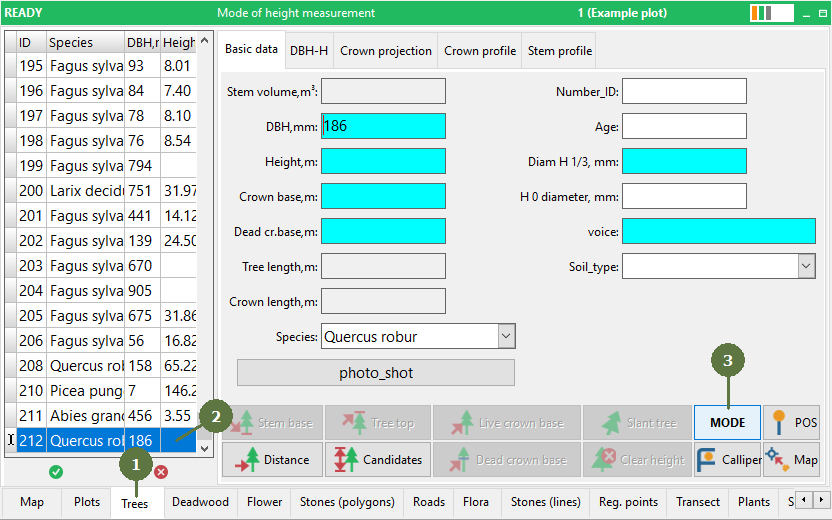
Before editing any attributes you have to measure the position of the tree
Send data to the computer
|