|
“Distance + Base using Main Pole” mode
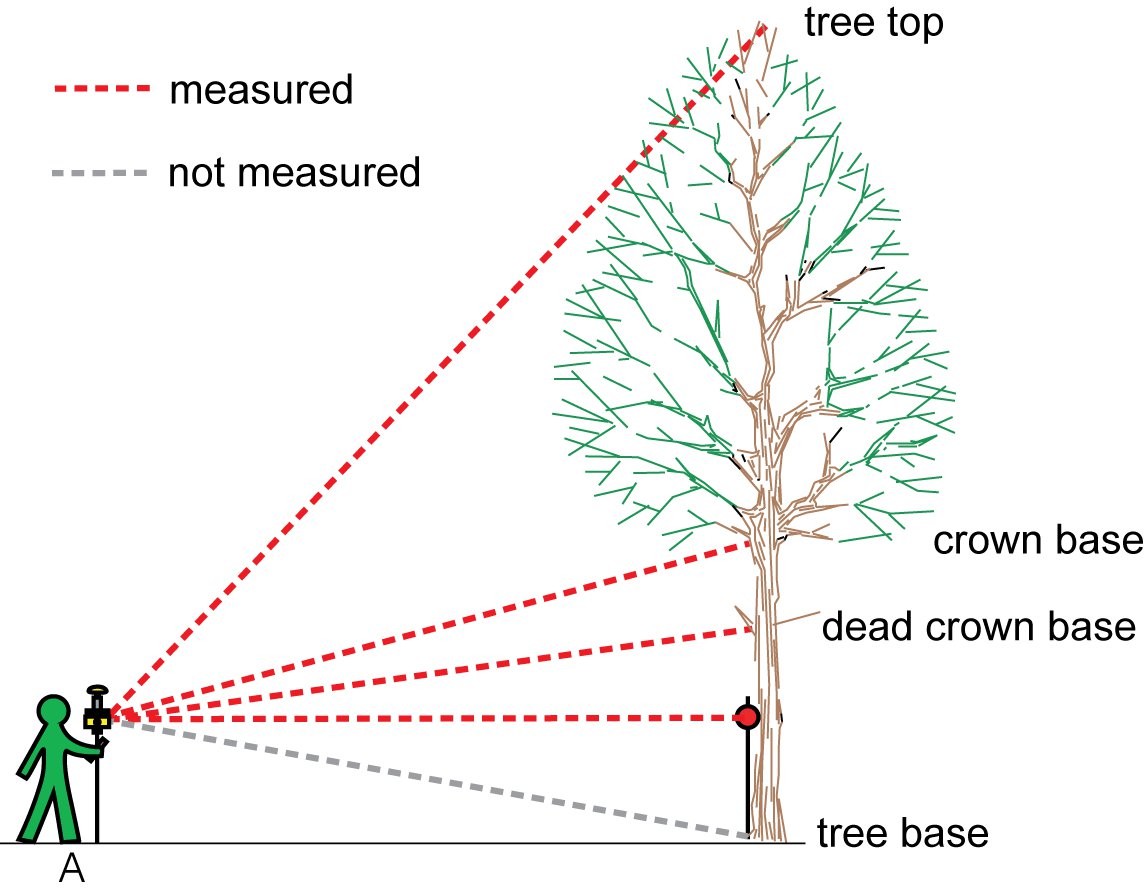
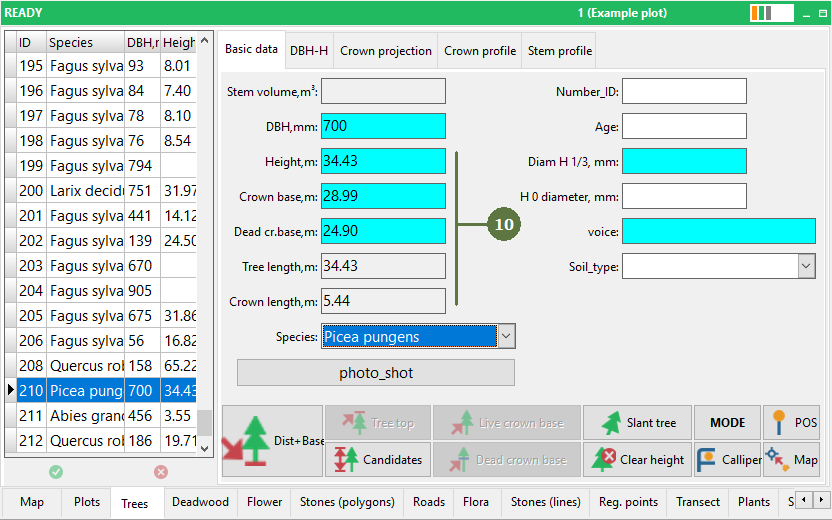
This mode is similar to the previous mode (“Distance measurement”), but this time Field-Map calculates the inclination to the stem base automatically. When you measure the distance to the tree, it is required that the reflector is at the correct height (Height of reflector = Main Pole Length).
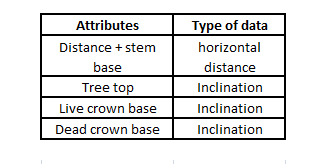
Measured system attributes
|
Before editing any attributes you have to measure the position of the tree.
- Switch to the Tree form
- Select the tree
- Click the Mode button
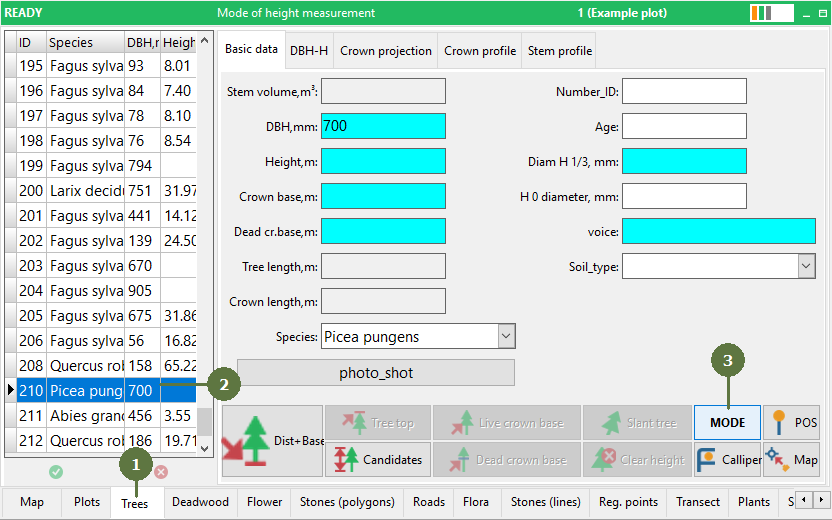
- Select the Distance + base using Main Pole mode
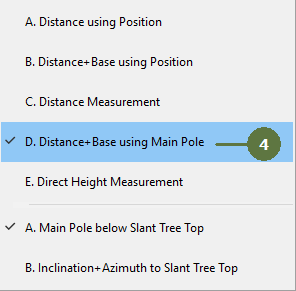
- The control panel changes its appearance

- Click the Distance + Base button and measure the distance to tree

- Measure the inclination to the tree top

- Measure the inclination to the live crown base

- Measure the inclination to the dead crown base

- Check measured data
|