|
“Direct Height Measurement” mode
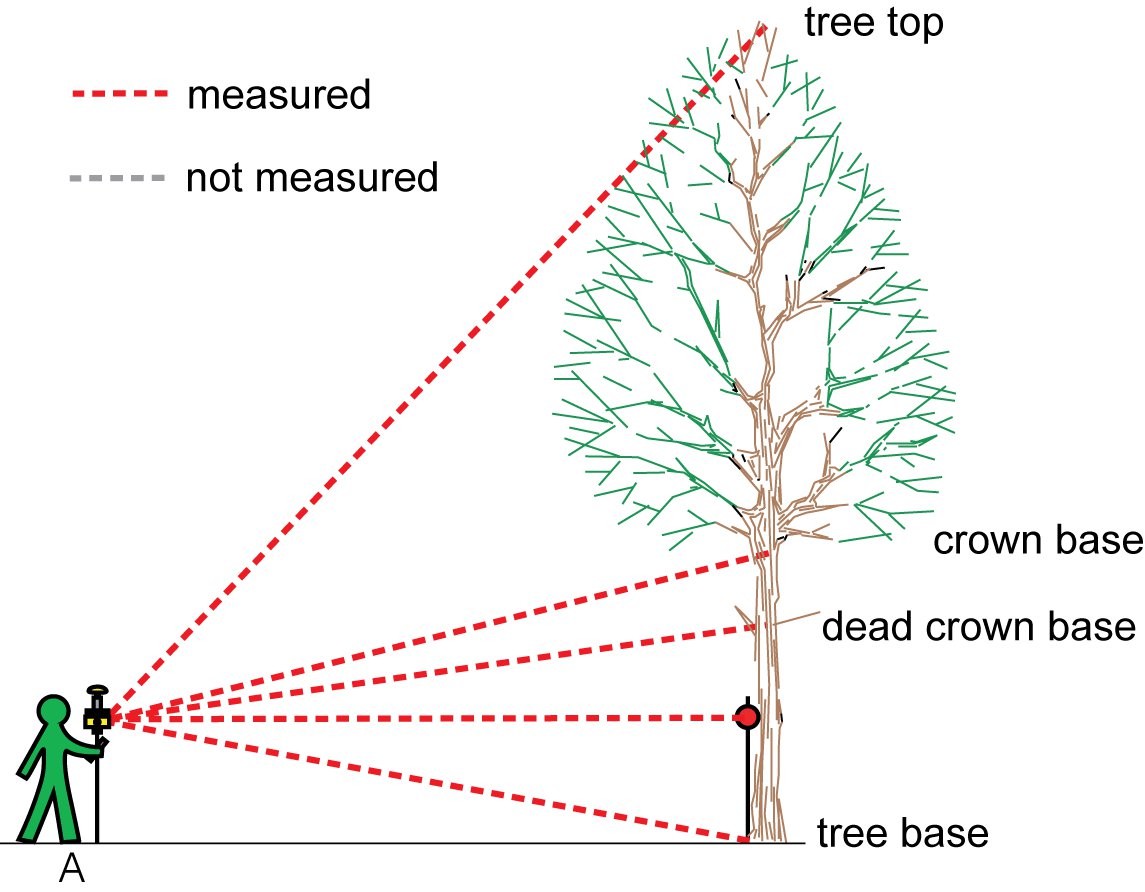
This mode uses built-in height measurement function of the laser rangefinder. Field-Map expects height (not inclination) data from the laser.
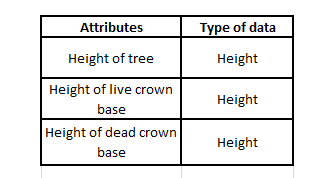
Measured system attributes
|
Before editing any attributes you have to measure the position of the tree
- Switch to the Tree form
- Select the tree
- Click the Mode button
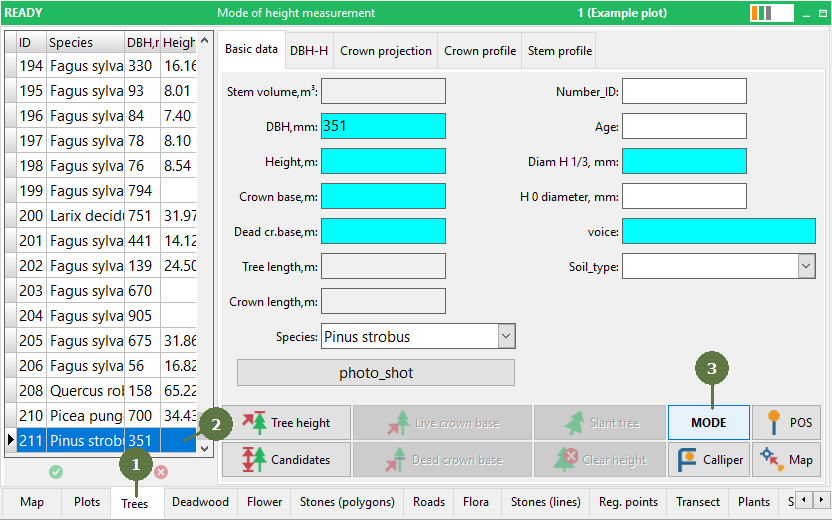
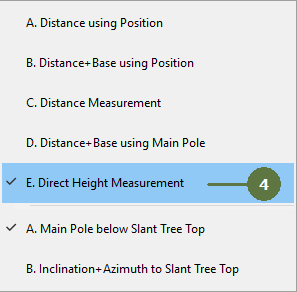
- Select the Direct height measurement mode
- The control panel changes its appearance

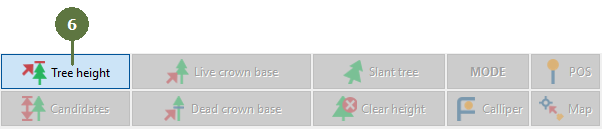
- Click the Tree height button and measure tree height using laser in-built height measurement function; send data to computer
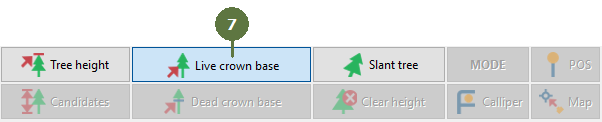
- Measure the live crown base height and send data to the computer
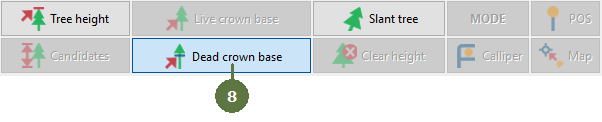
- Measure the dead crown base height and send data to the computer
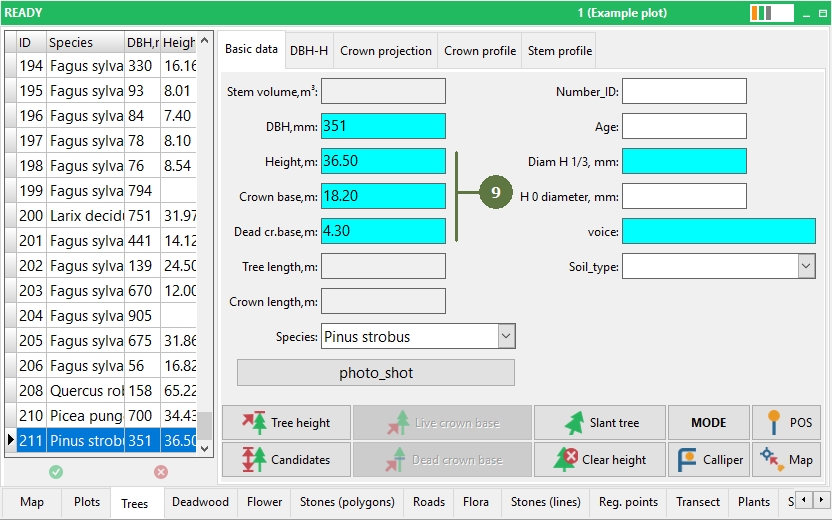
- Check the database
|