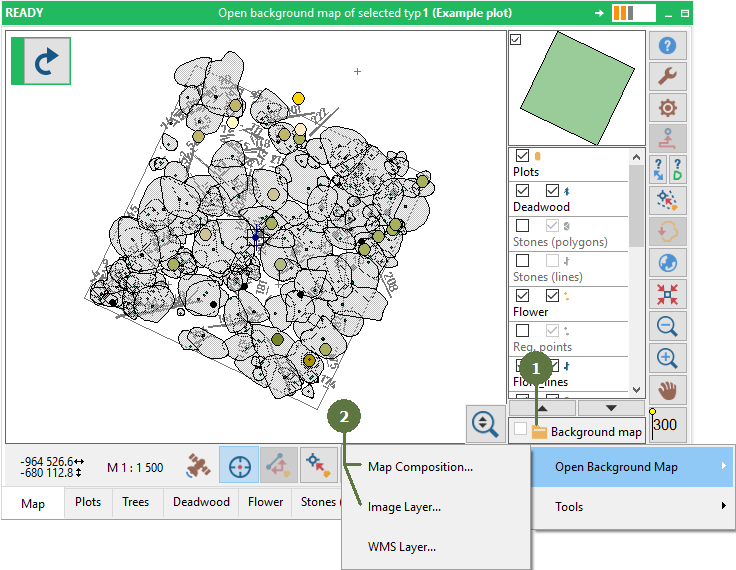
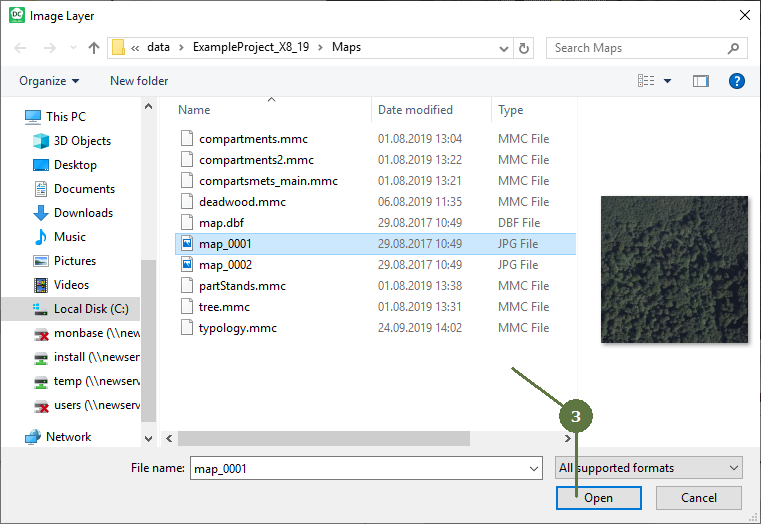
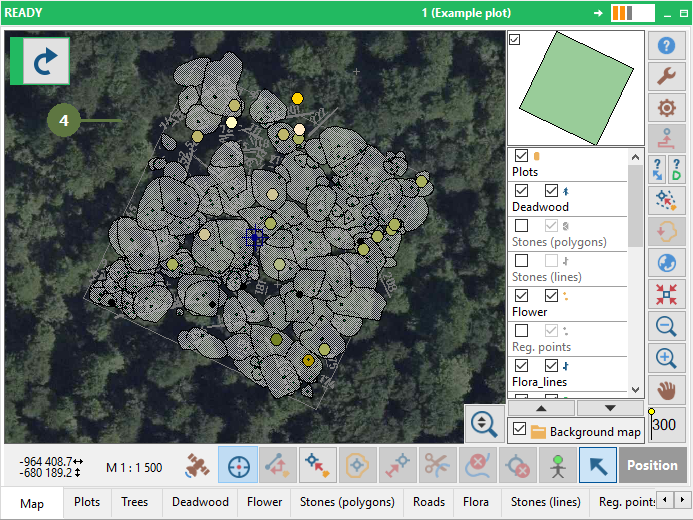
8.1 Opening background maps from file
|
To remove the background map from the map click Background map button and choose the Clear backrgound map menu item. Hide background map To hide the Background map composition untag the Background map check box. Hide background map layers To hide individual layers of the background composition click the Background map button and then choose Activate/Deactivate Individual Layers. Here you can set which layers will be visible and which will be hidden. Preparing map composition In order to prepare map composition refer to Field-Map Project Manager help -> chapter 7. Editing background map composition. |
Make sure that the plot is in global co-ordinates (for details about transformation see Converting coordinates)
|