|
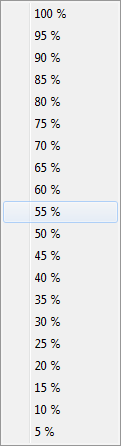
Alternatively, you can select the number of plots by setting the percentage of selected plots from pop-up menu.
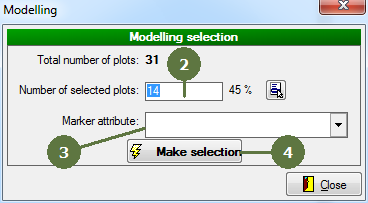
Marker attribute
This attribute serves to store information about selection of plots. Such an attribute should be prepared in advance. Add it using Field-Map Project Manager.
|
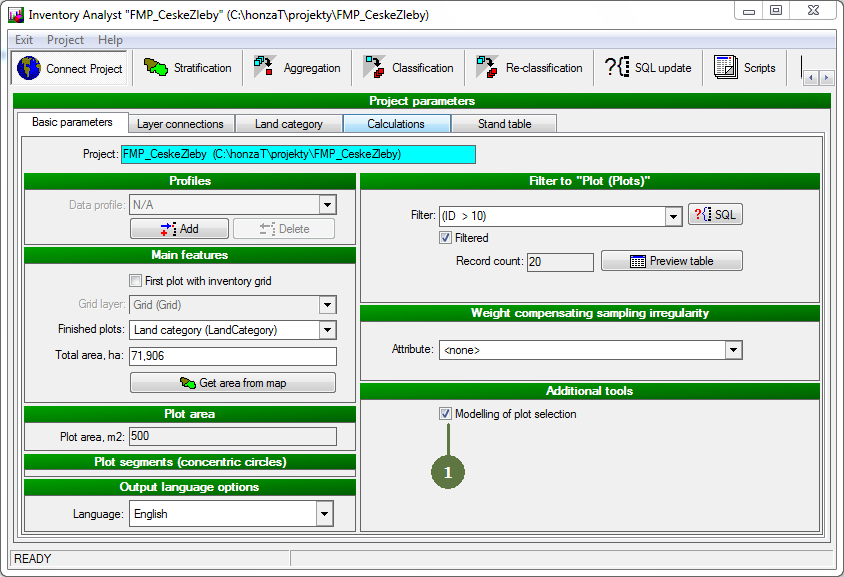
- Tag Modelling of plot selection tag box
- Tap in the number of plots in selection
- Select the marker attribute from the list
- Click Make selection button
|