|
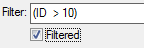
To quickly deactivate filtering without loosing query definition, simply untag Filtered tag box.
|
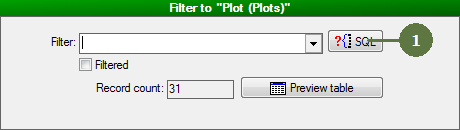
- Click SQL button
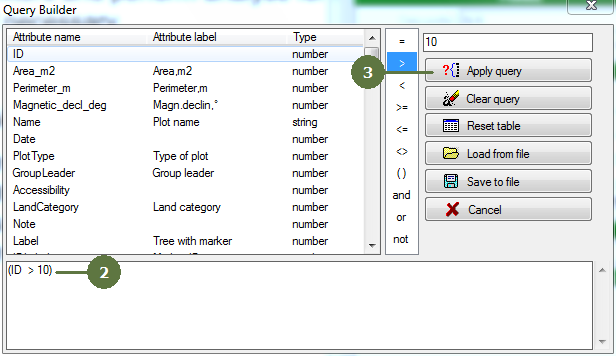
- Define SQL query
- Click Apply query button
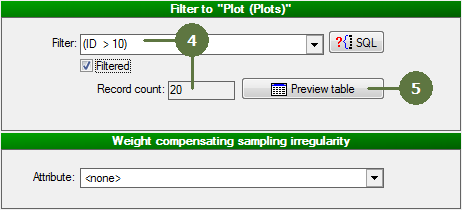
- The list of selected Plots becomes updated
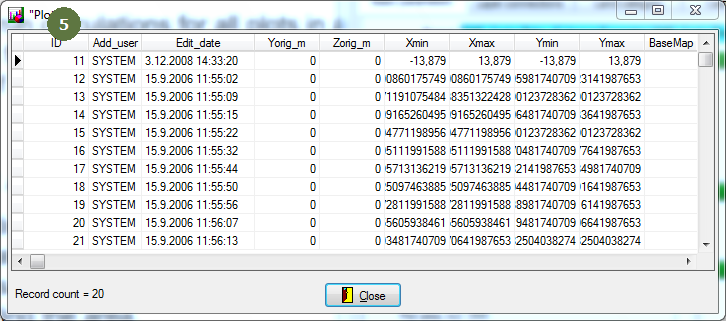
- The list of currently selected Plots can be viewed by clicking Preview table button
|