Working with project > Printing project structure
|
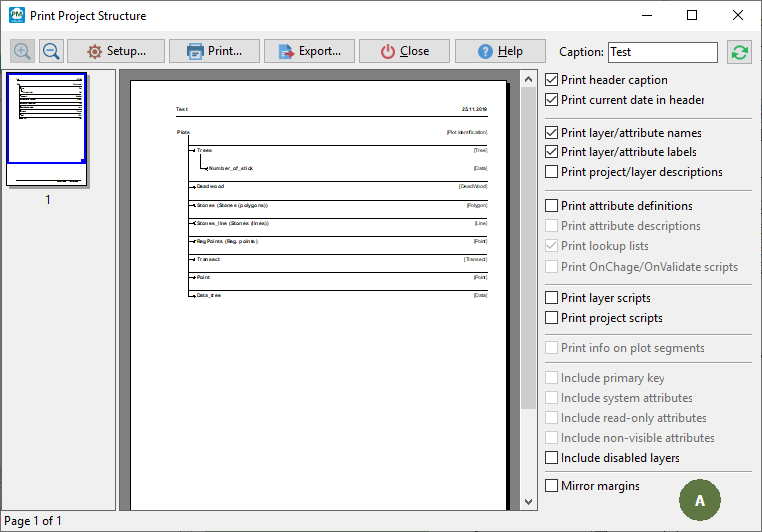
Some lookup lists can consist of thousands of items. When printing such lookup lists, it may consume a lot of paper. To prevent this, Field-Map checks by asking you whether to print large lookup lists or not. You are able to set a header caption and whether to add a current date into the header or not. |
|


When printing a project database structure, you may choose a simplified version A, a more complex version B (with an additional description of individual attributes within layers) or to print the entire structure C with layers, attributes and lookup lists items too. Version D is an example of a printing preview the way it looks when system attributes are printed. By version E you can print a layer and project (On-Demand) scripts, for more information see Field-Map Scripting user guide.