help

3.28 Container for child layers

previous 

next 

Working with layers > Container for child layers

Displaying Forms of Child Data Layers in Data Collector

If there are several child data layers with a sibling relationship, their forms can appear either as individual tabs on the parent layer form or as panels placed within a scrollable container.

In Project Manager, you can choose between two options:

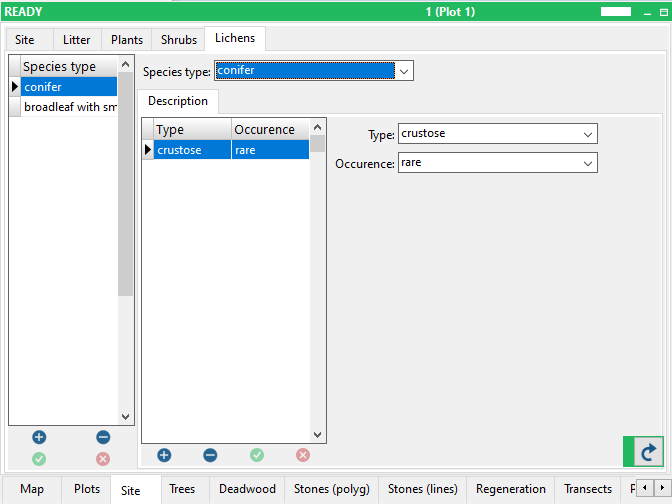
1. Pages of tabbed notebook

  • Each child layer has its own tab at the top of the form.
  • The user switches between layers by clicking the tabs.
  • Suitable when there are only a few child layers and their forms are relatively simple.

2. Panels in scroll box

  • Child-layer forms appear as collapsible/expandable panels arranged vertically within a single scrollable container.
  • The user can open only the sections needed while keeping others collapsed.


  1. Select the layer for which you want to set tabs or container.
  2. Click the Layer options tab
  3. Choose the option in the Container for child layers section


screenshot from Field-Map Data Collector: Pages of tabbed notebook


screenshot from Field-Map Data Collector: Panels in scroll box


© 2024 IFER Monitoring and Mapping solutions, Ltd.