3.6 Deleting layers


Working with layers > Deleting layers
|
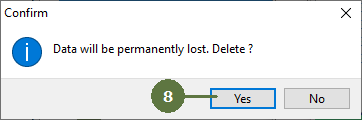
When deleting a layer, all child layers will also be deleted. All the data will be irreversibly lost ! Deleting unused tables and shapefiles When deleting layers from a project structure, the tables and the shapefiles of the deleted layer are not deleted from the project folder. Thus, when deleting layers, Field-Map pops up a “Delete unused tables and shapefiles” window and offers a possibility do delete the tables and shapefiles. It is also possible to delete them later on by choosing the “Tools > Delete Unused Tablesand Shapefiles" function. |
|