3.7 Disabling / Enabling layers


Working with layers > Disabling / Enabling layers
|
If you want to keep a layer in the project but you don’t want it to be visible in Field-Map Data Collector, use the Disable layer option. The layer is still editable in Field-Map Project Manager, but it is not visible in Field-Map Data Collector. A disabled layer may be enabled again in Field-Map Project Manager. |
Disabling layer
Enabling layer
|


Disabling layer(s) (detailed)
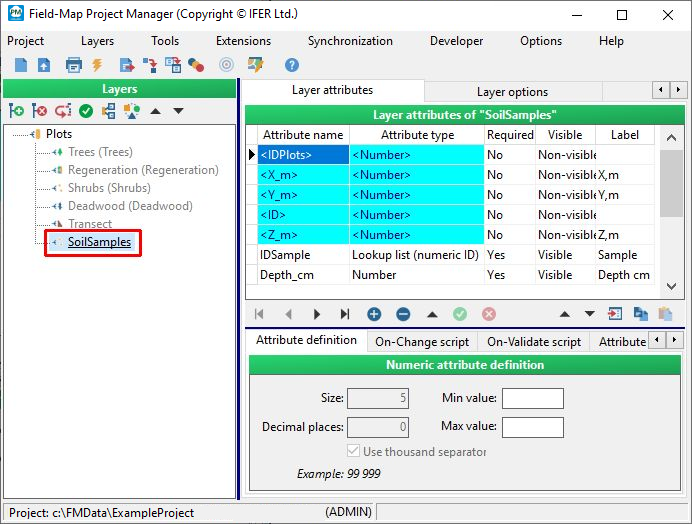
The below example shows when it is appropriate to disable a layer. A field team may consist of those doing a tree measurements and those doing a soil sampling. Both will be using the same project, but you can disable layers unnecessary for a particular group so that these layers will not appear on the Field-Map Data Collector form.
- Project tailored for the work group measuring trees only:

screenshot from Field-Map Data Collector

- Project tailored for the work group sampling soil only:
screenshot from Field-Map Data Collector
