help

5.18 Exporting maps to picture

previous 

next 

Using tools > Exporting maps to picture

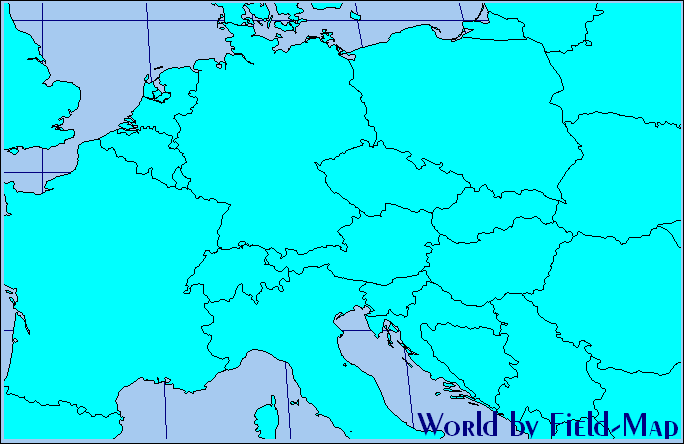
Format of picture

You can choose between JPEG and BMP and, also, whether exported image will have the same or half scale as already visualized world map.

  1. Open the World map composition by selecting the Tools > Show World Map menu item.
  2. Zoom to the area of your interest.
  3. Click the “Save to picture” button.


  1. Select format and location for the exported picture.


Pictures ready for your presentation


© 2024 IFER Monitoring and Mapping solutions, Ltd.