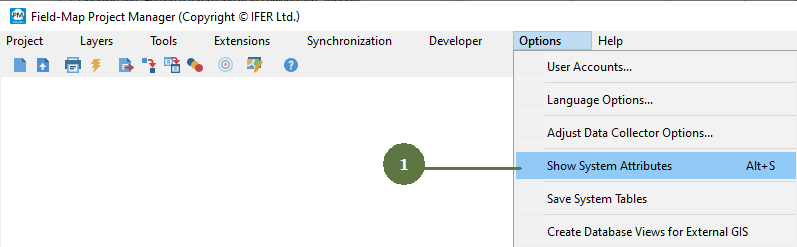
8.3 Showing/hiding system attributes


Field-Map options > Showing/hiding system attributes
|
There are several system attributes for each layer type. These attributes are generated implicitly by Field-Map and it is not possible to move or delete these attributes. There is only the option to show/hide them by setting in the Field-Map Project Manager. The same system attributes can be used for scripting. |
|