|
Only admins and powerusers are able to add plot to other users databases via synchronization.
|
- Make sure, that the plot you would like to add to some user(s) is active
- Click Synchronization button

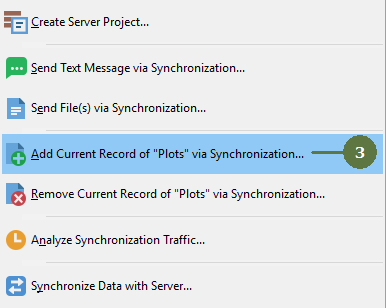
- Select Add Current Record of "Plots" via Synchronization
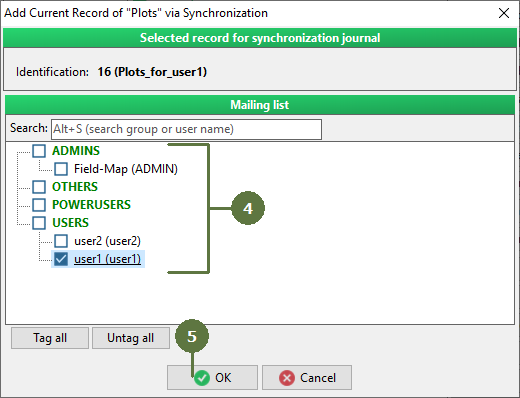
- Tag the user(s) to whose database currently active plot will be added
- Click OK. Your command will be stored in Synchro Journal.
- Perform general synchronization procedure
- Your commands concerning adding of plots to individual users are uploaded to server
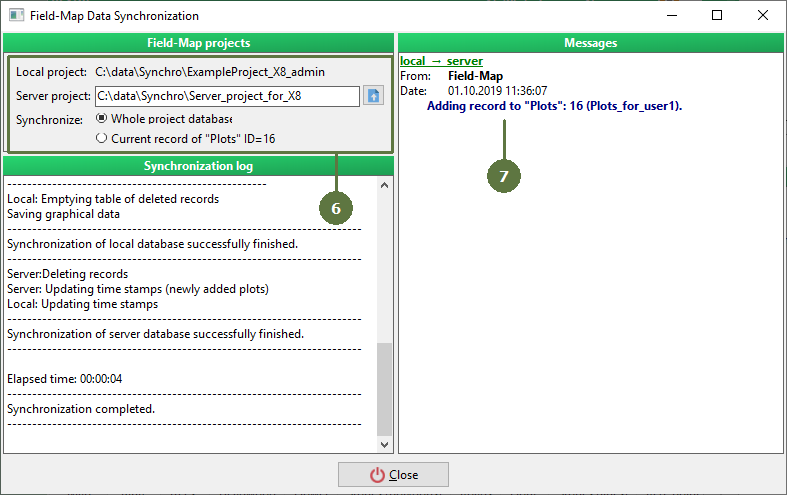
- Next time, when the user you tagged as a recipient starts synchronization, selected plot is added to his database
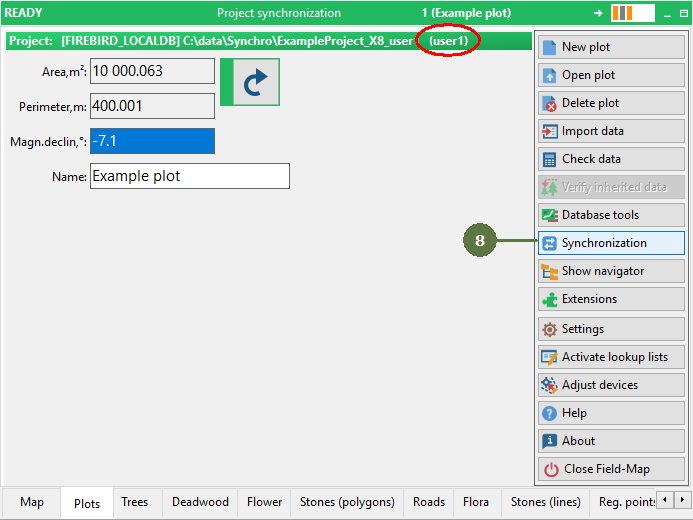
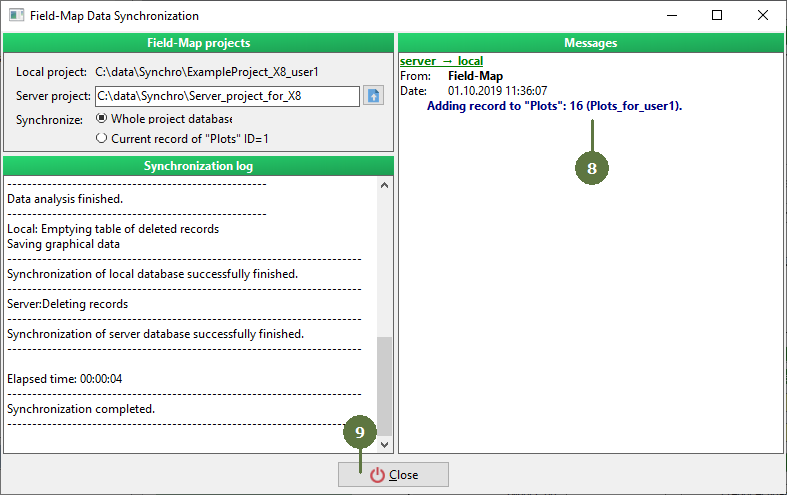
- Click Close button
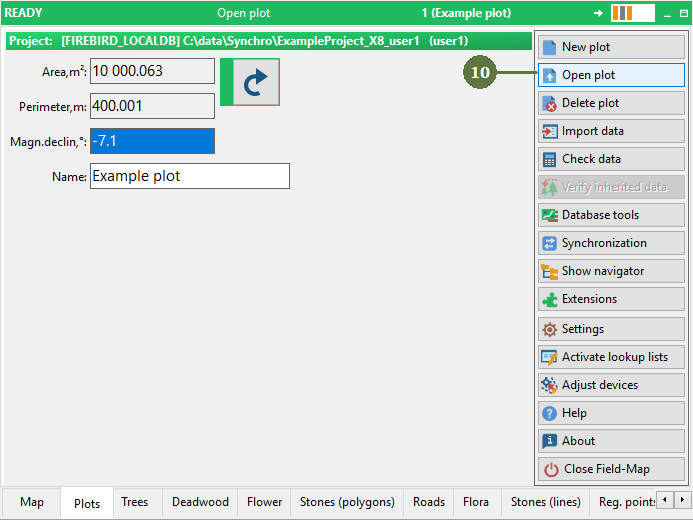
- Click Open plot button
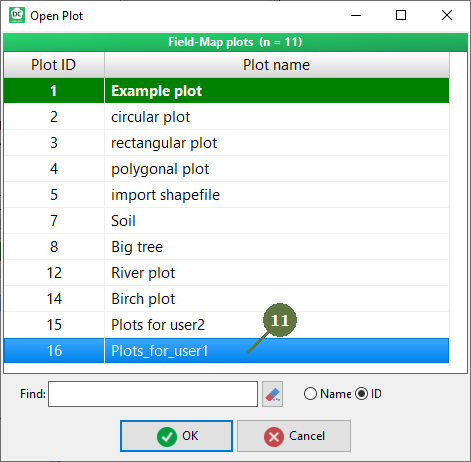
- Check, that the plot was added via synchronization
|