|
Only admins and powerusers are able to send files via synchronization procedure.
|
Open the menu of Synchronization procedures (see this chapter)
- Select Send Files via Synchronization

- Tag files to be send via synchronization from the list of files available in your project
- Tag recipient(s)
- Click OK.

- Synchronization window summarizing the list of files to be send appears
- Click Yes. List of tagged files together with commands concerning recipients will be added to Synchro Journal.

- Perform general synchronization procedure
- Selected files together with the list of recipients is uploaded to the server
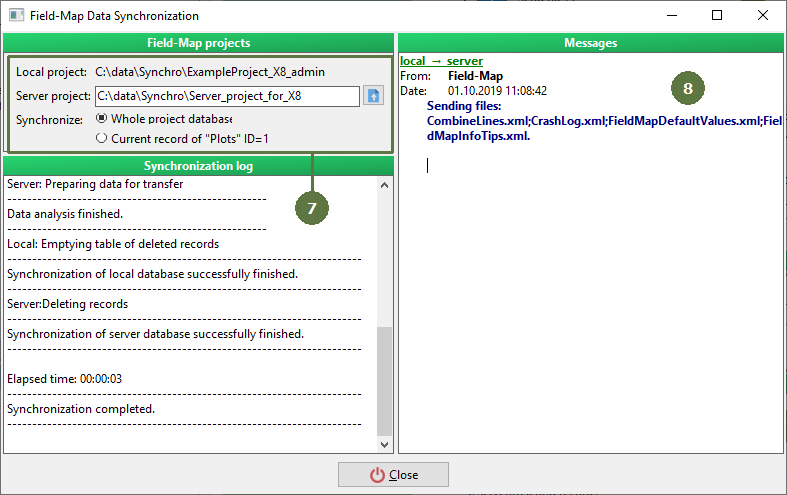
- Next time, when the user you tagged as a recipient of files starts synchronization procedure...

- ... he/she will receive files.

- All files become copied (possibly overwritten) in the parent directory of user Field-Map Project

|