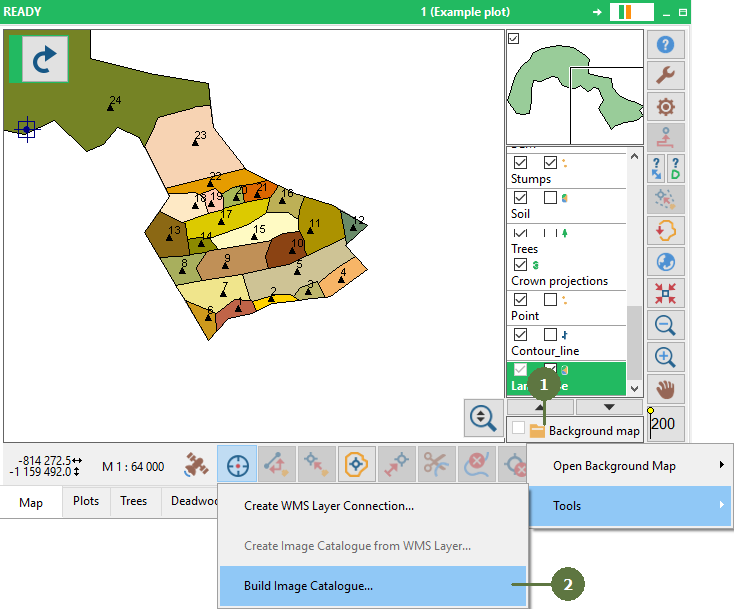
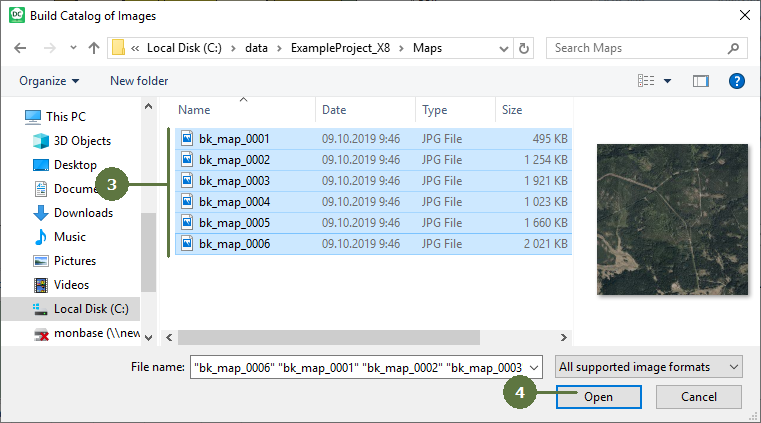
8.6 Building an image catalog
|
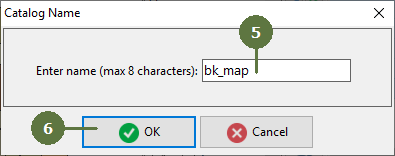
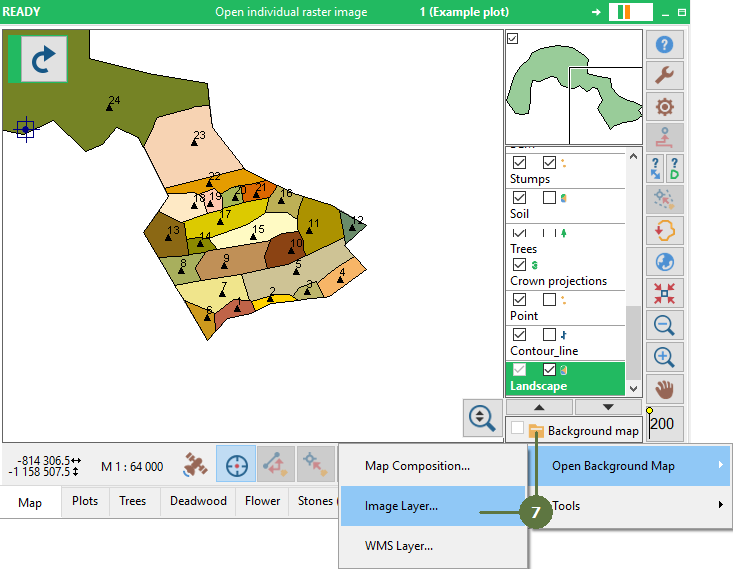
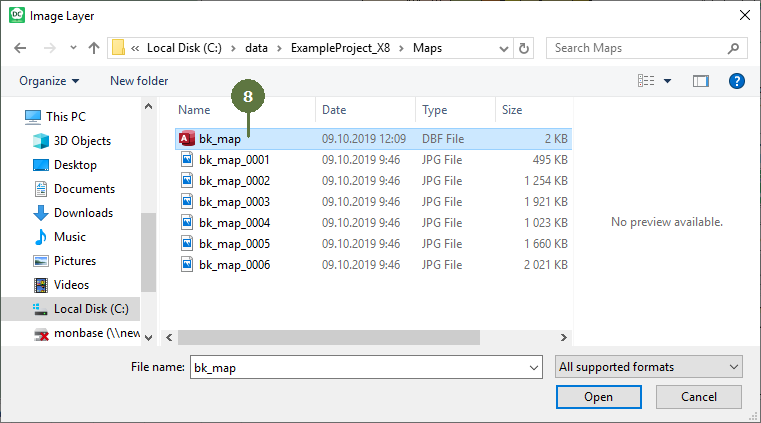
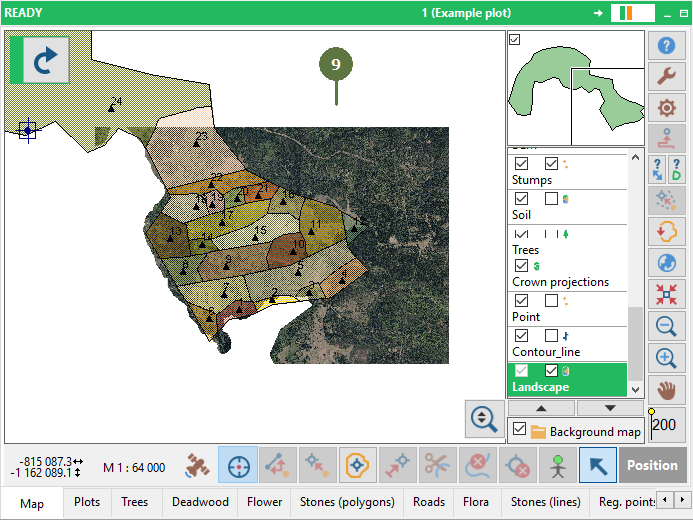
Unlike the simple “Open background map” utility, this function enables the user to open a mosaic of several images simultaneously. First it is necessary to open all of the image files and name the Catalog. You can then move around in the map and the correct image will always appear in the background. Using image catalog for mosaicing of images increases efficiency in the use of computer memory. Only those images which are currently visualized on the display are loaded into the memory. Thus it is possible to use catalogs of large number of images covering large areas. Field-Map supports of Cyrillic in names of layers (files) in Image catalogue. |
you can get image files from WMS Layer, see chapter Create Image Catalog from WMS Layer
|