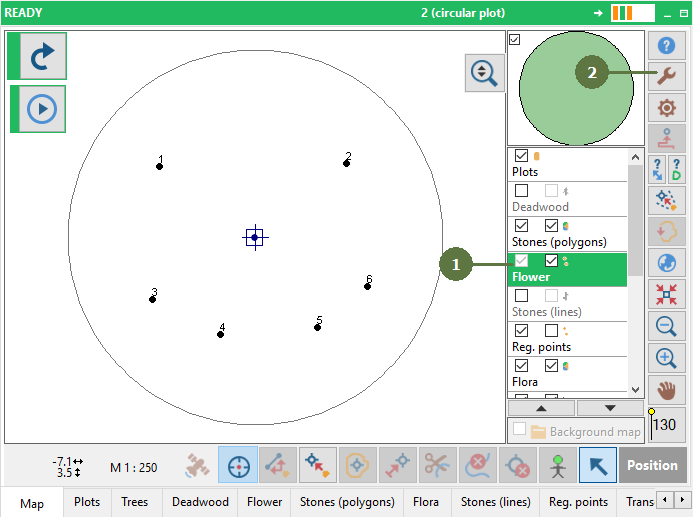
10.14 Creating a buffer around points
|
When you choose Size from attribute option in Create buffer dialog box, you can choose a numerical attribute of a point layer and a buffer circle will be created using the attribute value for radius.
|
|
|
When you choose Size from attribute option in Create buffer dialog box, you can choose a numerical attribute of a point layer and a buffer circle will be created using the attribute value for radius.
|
|