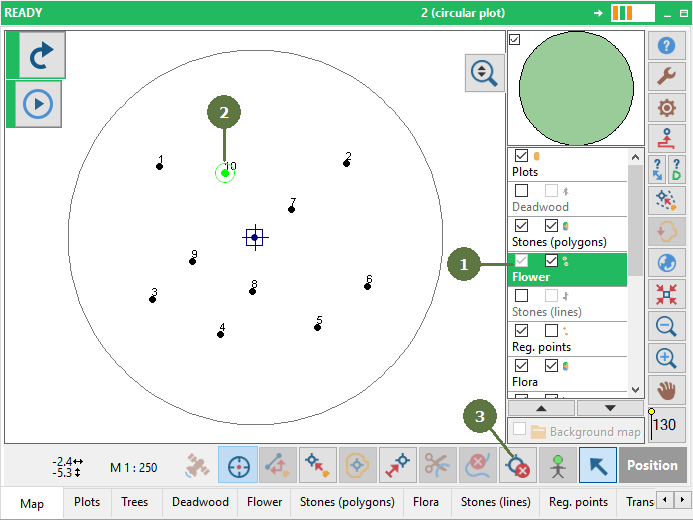
10.15 Deleting points
|
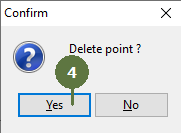
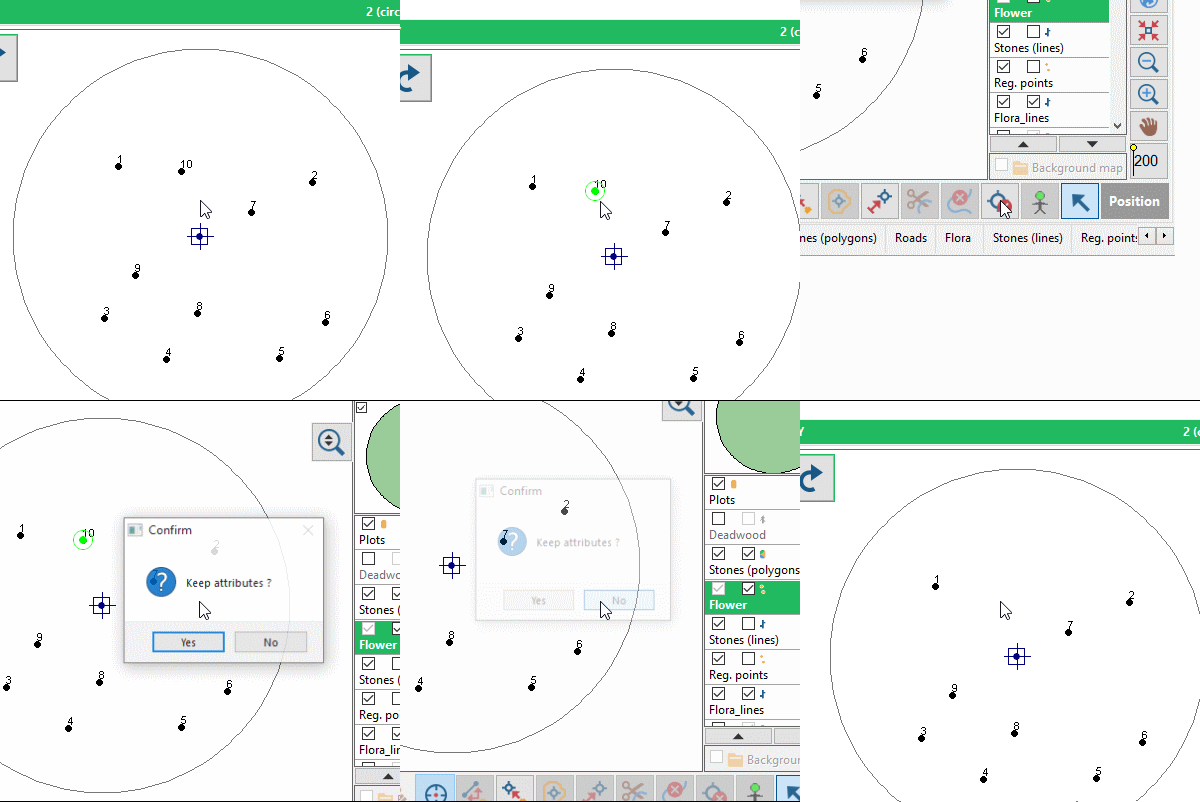
Deleting a point is an irreversible operation. Make sure that the appropriate plot is selected before confirming final “delete point” message. Along with the point, all its attributes are also deleted. Multi-select of points If more points are selected using multiselect options (see settings) then all selected points will be deleted. |
Example
|