10.13 Creating a grid of points
|
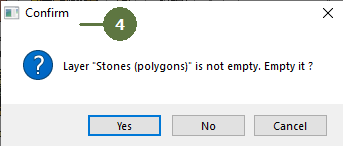
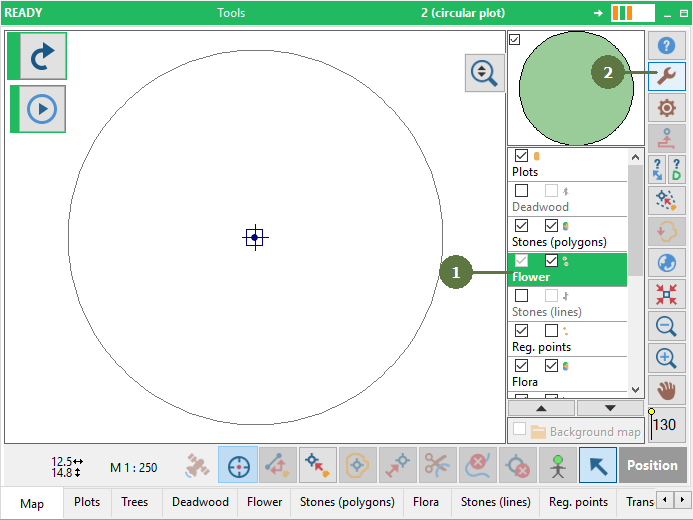
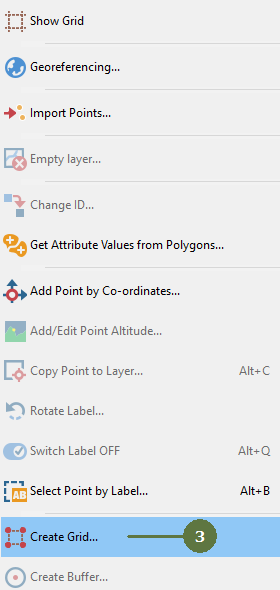
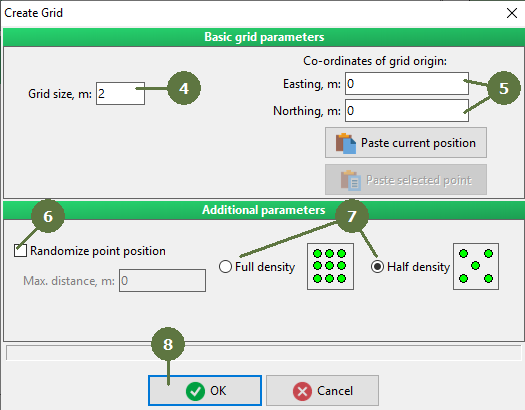
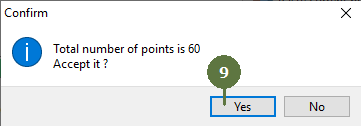
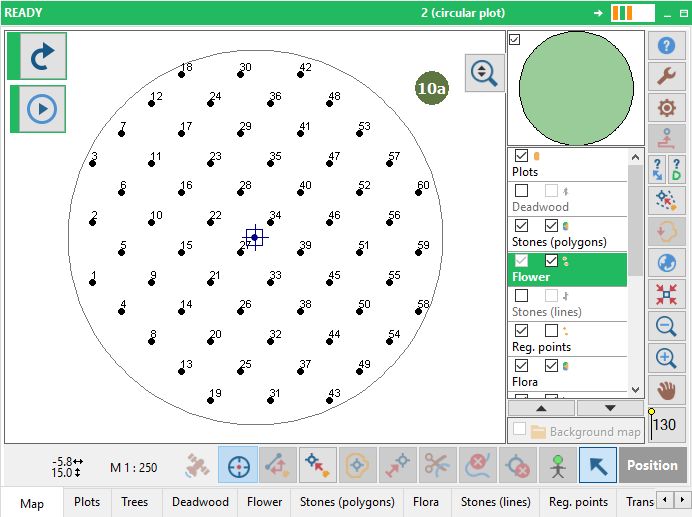
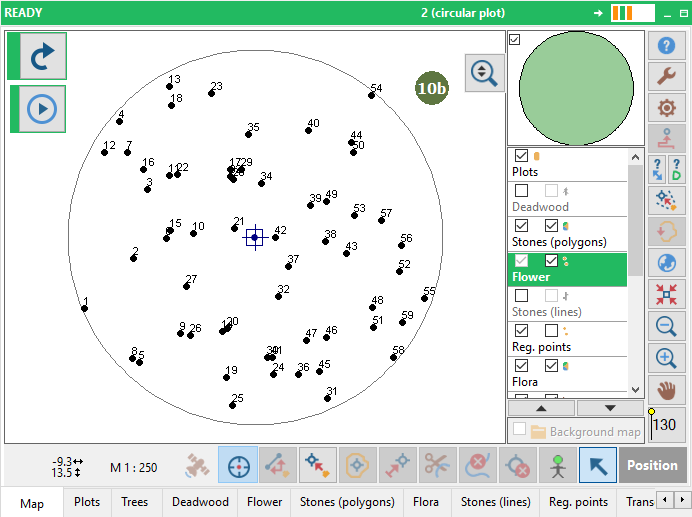
This function creates a grid of points in the point layer within the plot boundary. You can create a grid of any size, choose distribution of points (randomized or regular) and also density of the grid (full or half). If the point layer is not empty, you have to choose whether to keep or delete existing points before creating the grid.
Randomization Tag the Randomize point position option and specify the maximum range of “randomization” to randomize your point positions. |
Note: You can paste co-ordinates of your current position or co-ordinates of selected point using buttons Paste current position or Paste selected point
|