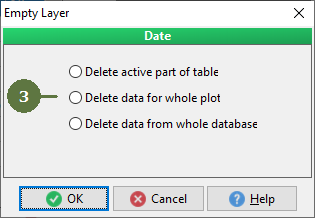
19.11 Emptying data laye
|
All data of related child layers will be deleted too. "Keep valid data in lookuplist when a conditional lookuplist is changed” is the improved function which allows to better work with conditional data values. Imagine, that value of conditional lookuplist is entered and master loookup list value is being changed. In the case that to the new value of master lookuplist exists already entered value of conditional lookuplist the value ramains untouchted. On the contrary, when the conditional value does not exist for the new master lookuplist value, the formerly entered value will be deleted. |
|