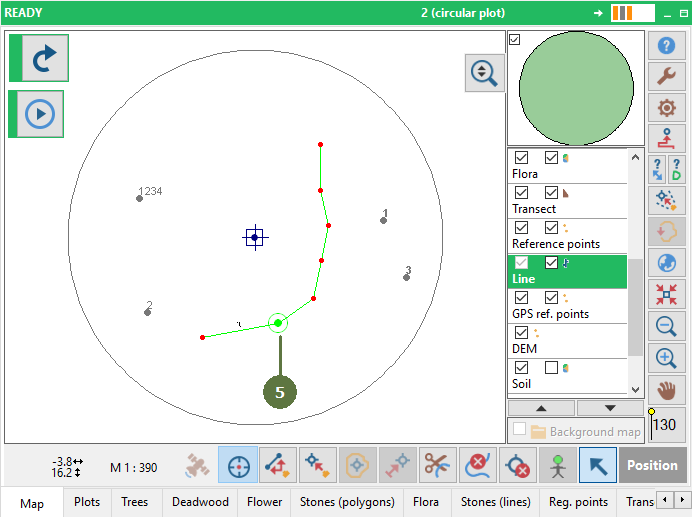
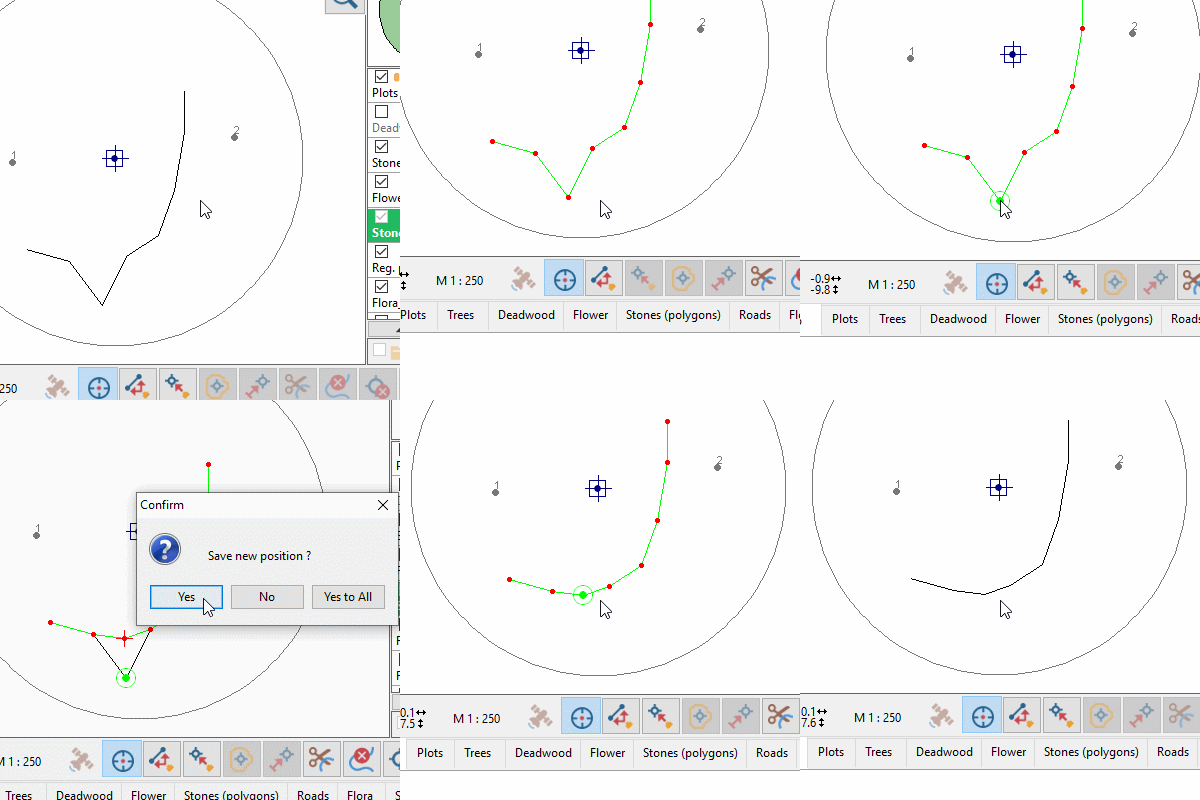
11.4 Moving a point
|
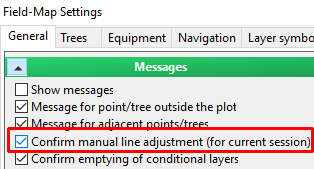
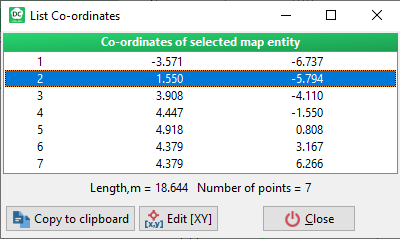
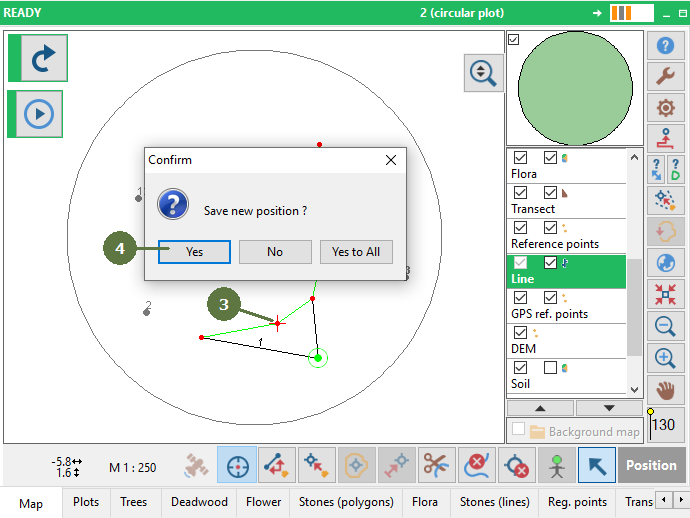
Settings - Confirm manual line adjustment If this option is on, Field-Map asks for confirmation before saving a line after the mouse is released. If this option is off, the changed line is saved automatically. Individually co-ordinates point of lines setting It is possible see and edit each point co-ordinates of selected line.
|
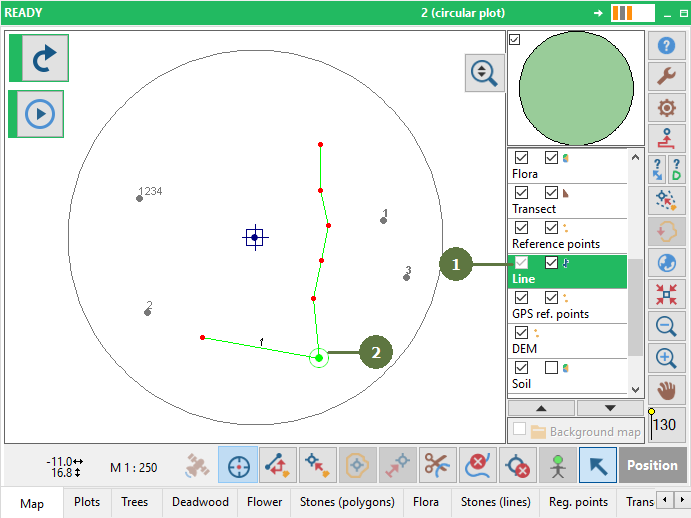
Example
|