7.11 Selecting an entity from records
|
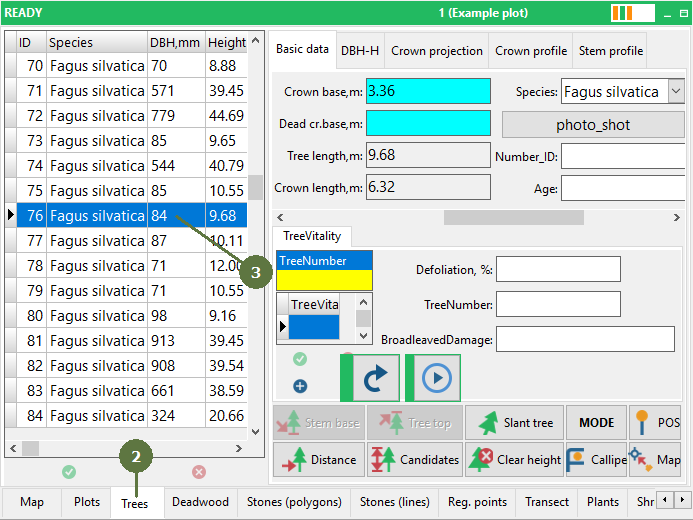
It is also possible to select a map entity by its attribute in the attribute table. To select entities by SQL query see Query builder section. For switching between map view and forms it is also possible to use Floating button, Status bar and F8 shortcut. |
Selected record is marked
|