|
All predefined user groups (i.e., admins, powerusers, users amd others) are by default allowed to send text messages via synchronization.
|
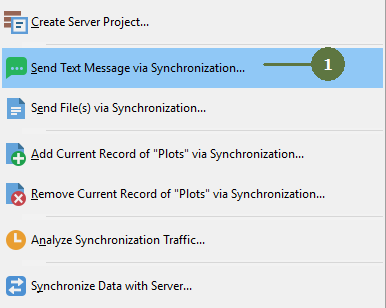
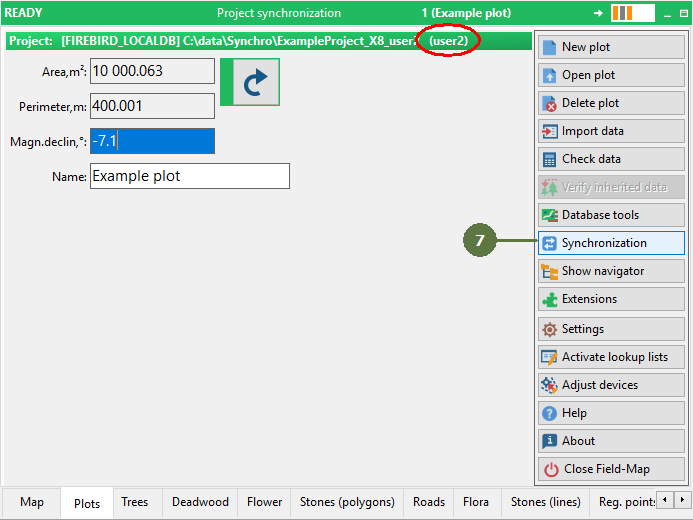
Open the menu of Synchronization procedures (see this chapter)
- Select Send Text Message via Synchronization
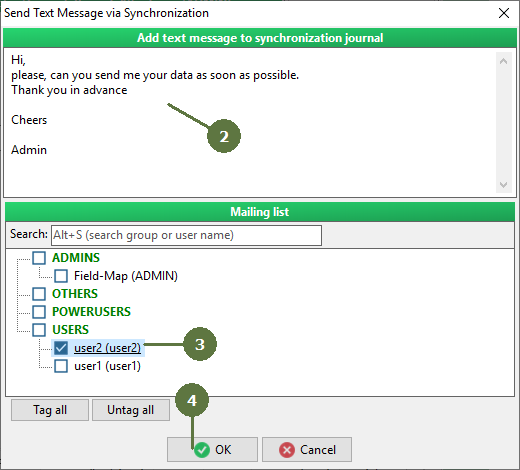
- Type the letter to be send via synchronization to other users
- Select recipient(s)
- Click OK. Your message will be added to Synchro Journal.
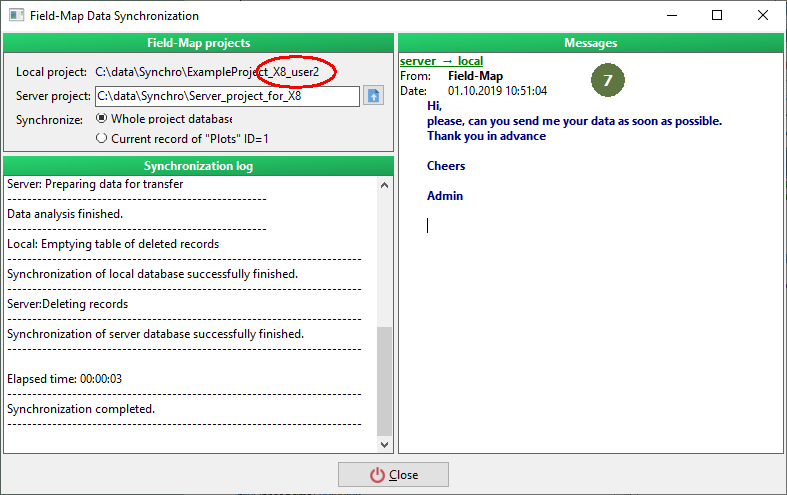
- Perform general synchronization procedure
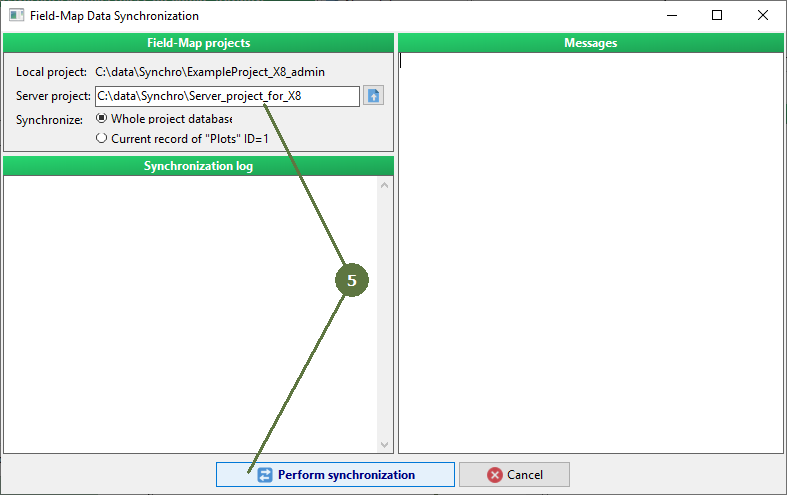
- Your message is post to server project
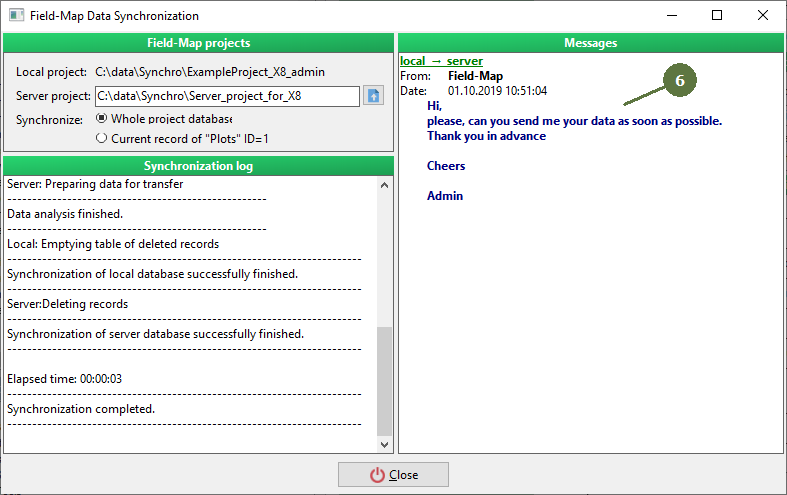
- Next time, when the user you tagged as a recipient starts synchronization, he/she will receive your text message
|