Temporary reference points

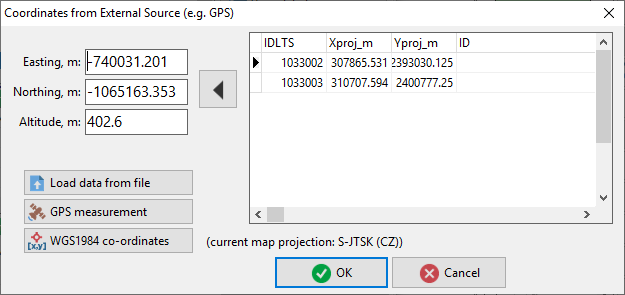
To add a reference point to the map you can also use the Add reference point button in the lower right corner of the dialog box. A new dialog box (see below) pops up. There you can choose the method of obtaining the point’s co-ordinates.


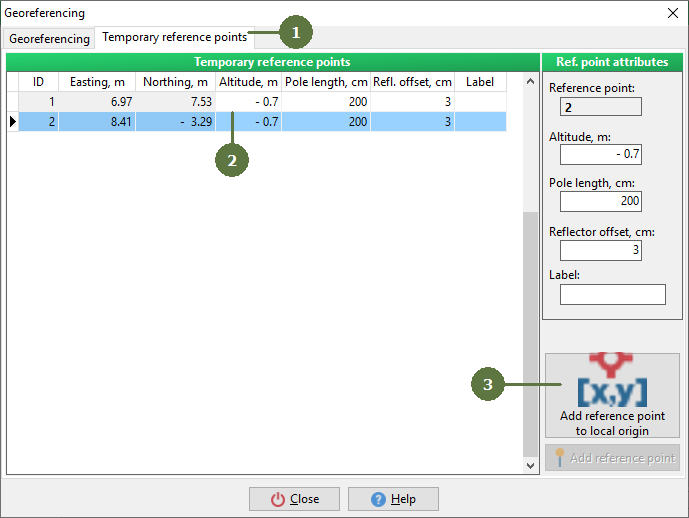
  1. In Georeferencing window click the Temporary reference points tab
  2. Here you can see a list of reference points you have measured
  3. You can also add a reference point to the origin of local co-ordinates by clicking on the Add reference point to local origin of co-ordinates button