|
To get area from shapefile is available only when your project does not contain plot with grid layer (or you don't use it).
|
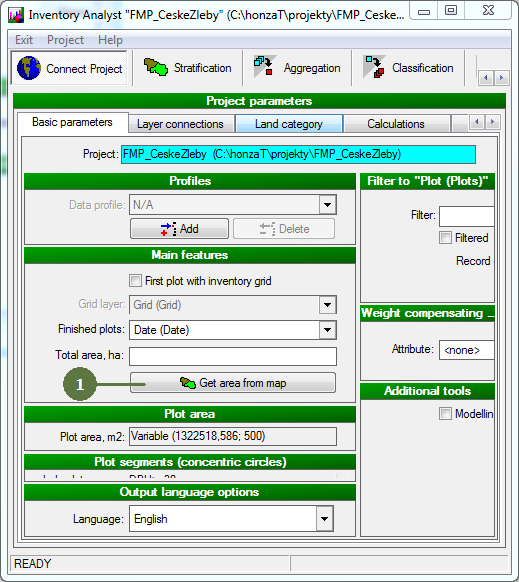
- Click Get area from map button
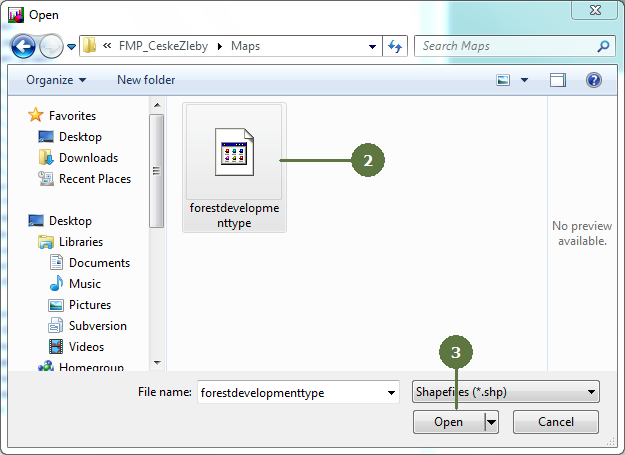
- Browse directories and select shapefile to get area from
- Click Open
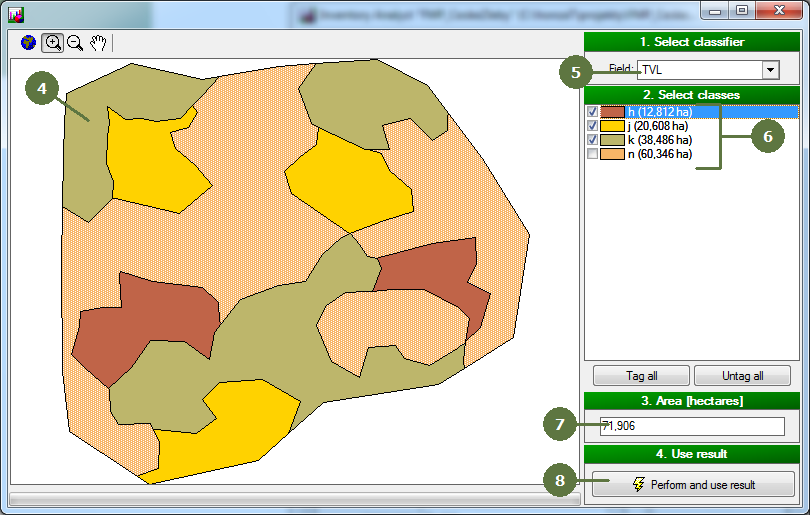
- New window with preview of selected shapefile appears
- Select attribute defining individual categories of subplots (classifier)
- Tag those classes to be included in area calculation
- Total area (in ha) is being updated with (un)tagging of individual categories
- Click Perform and use result
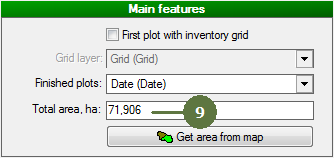
- Total area is updated
|