Working with project > Creating a new project
|
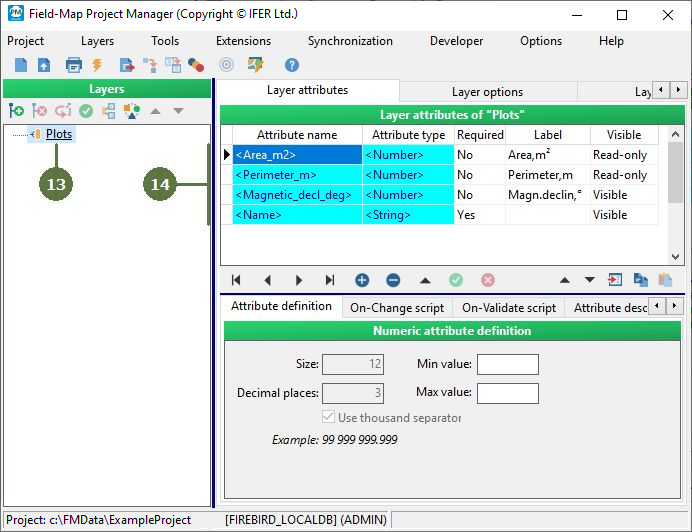
Plot shape Choose “User-defined plots“ if you do not know the shape of your plot or if you are planning to use more shapes in one project. Note: It is not possible to use segments if the option “User-defined plots” is selected. Choose “Circular plots” if you already know that your plots are circular. Choose “Plot border from template“ if you already know shapes of your plots and segments (see the Using templates chapter for further details). Database format The internal structure of the Field-Map database is based on FireBird, MS Access tables or MSSQL database for storage of attributes and ArcView shapefiles for storage of geographical entities. It is easily possible to convert the attribute tables to dBase, MS excel, XML and other formats by using the export utility of Field-Map Project Manager. Root Plot layer in Field-Map Each Field-Map project must have a root layer (“Plots”). Even if you do not need to edit the map (for projects without spatial relationships), the root Plots layer is necessary. The Plots layer has a unique function. All the other layers are related to this root layer as children regardless of whether the child layer is a Map layer or a Data layer. Project directory When your project is created, all the necessary directories and files are created too. Do not alter or delete any of these files or folders unless you are an advanced user. |
If connecting to the MS SQL database server, MS SQL connection parameters window appears (see the “Connecting to MS SQL database” chapter for more details).
|