Working with project > Creating a new project from an existing project
|
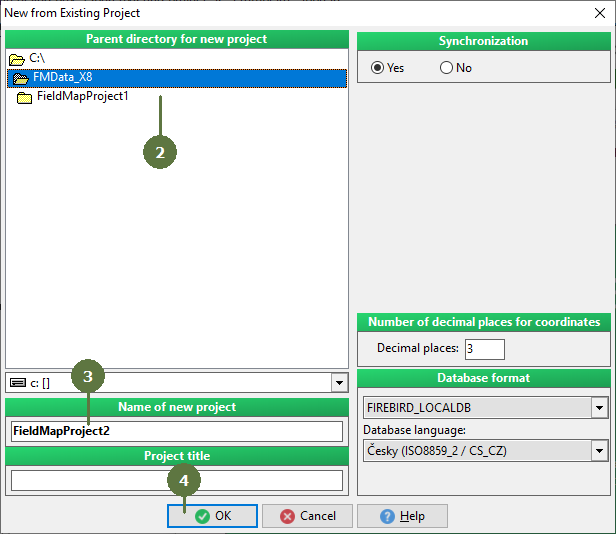
You can switch the database format and language by creating a new project from the existing one. Note: It is necessary to compile each newly created project. |
|
Working with project > Creating a new project from an existing project
|
You can switch the database format and language by creating a new project from the existing one. Note: It is necessary to compile each newly created project. |
|