5.22 Import data from multiple projects


|
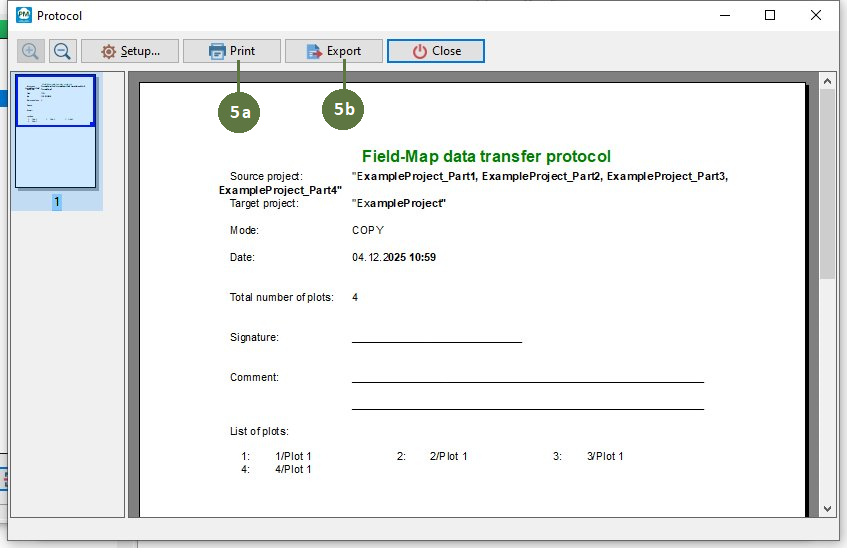
Import data from multiple projects function allows you to import selected plots from multiple Field-Map projects into the currently open target project. All source projects must use the same project structure as the target project. How it differs from Transfer data between projects function Transfer Data Between Projects works only between two projects at a time. It allows importing selected plots from one project into another, or copying plots from the currently open project into a single target project. |
|
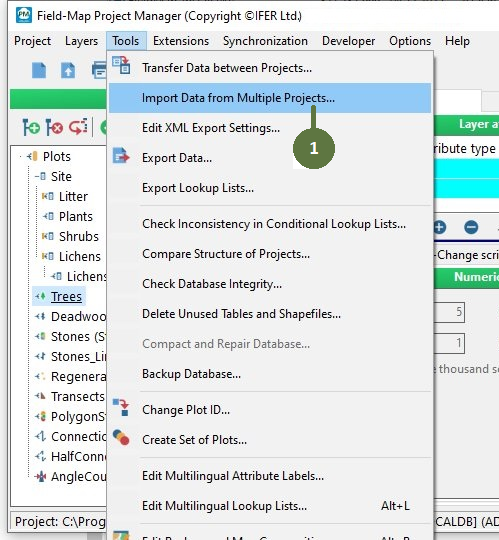
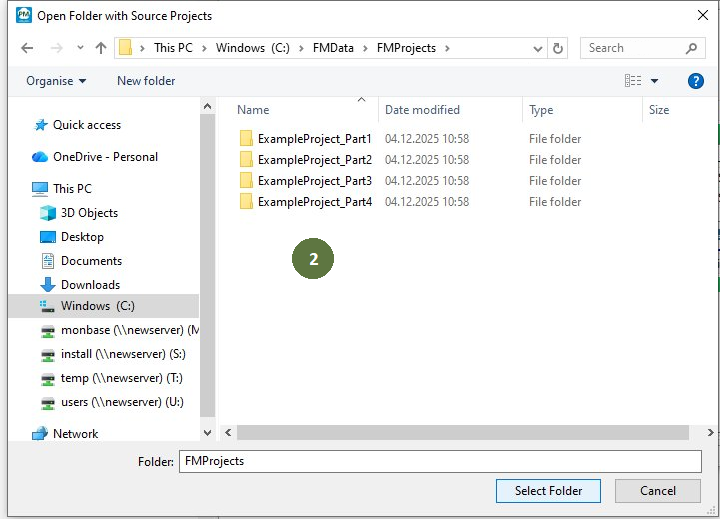
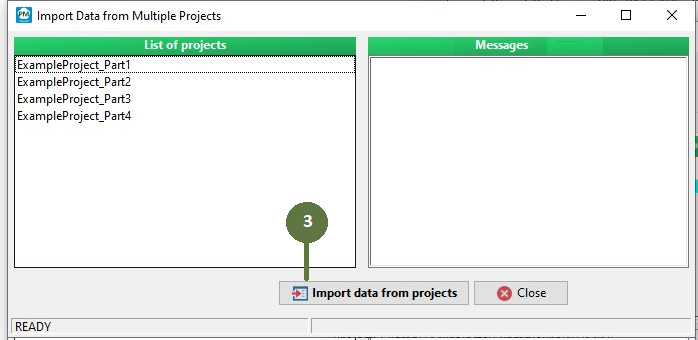
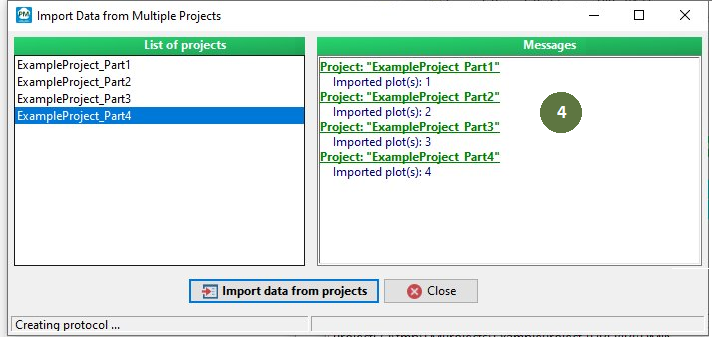
All source projects must use the same project structure as the target project.