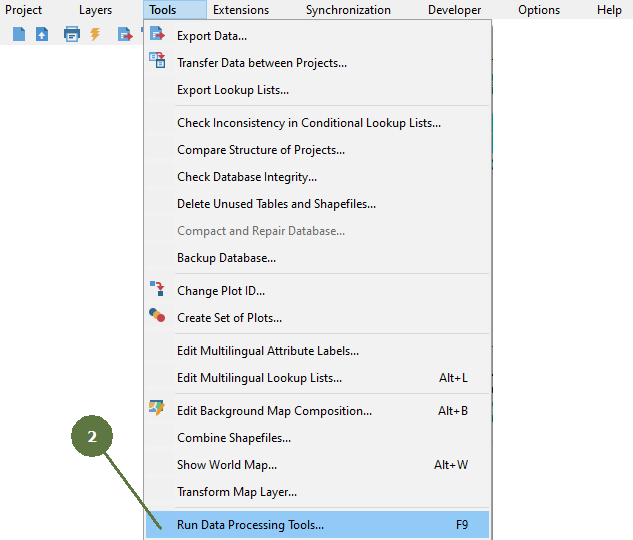
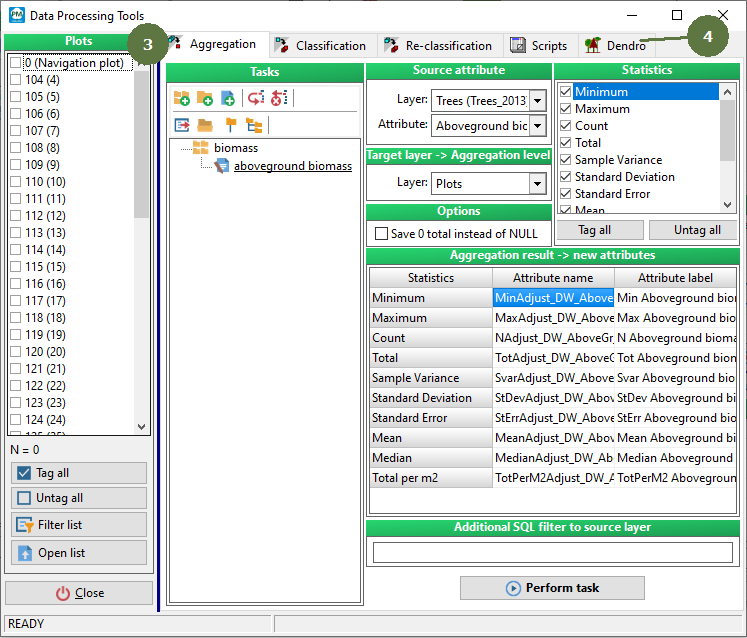
6.1 Running data processing tools


Data processing tools > Running data processing tools
|
Data processing tools are available with a special license only. |
|
Data processing tools > Running data processing tools
|
Data processing tools are available with a special license only. |
|