6.2 Aggregation


Data processing tools > Aggregation
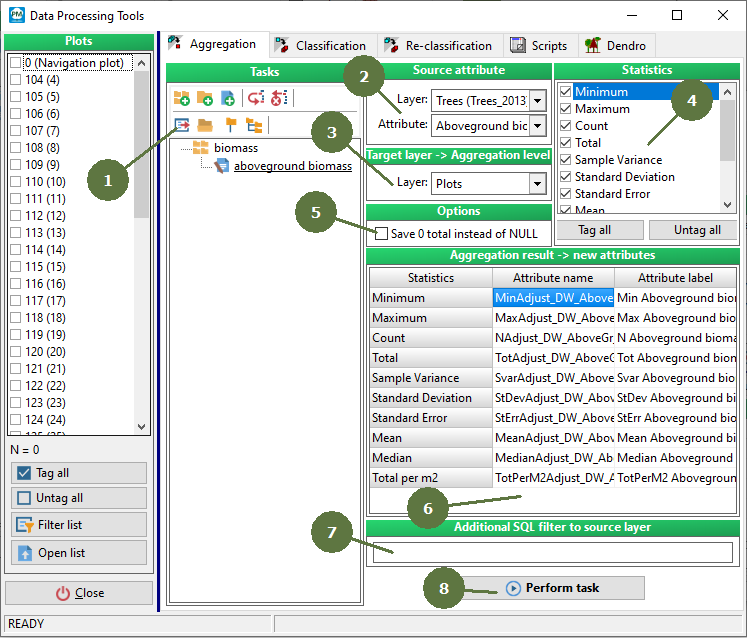
- Tasks
Each defined aggregation task can be saved (exported) for possible further use.The filename extension of the saved aggregation tasks is agr.
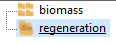
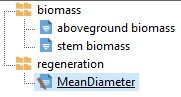
Tasks can be organized into groups and subgroups.
Working with tasks: Add group
 Add subgroup
 Add task
 Copy task
 Delete group/task
 Export task
 Import task
 Full collapse
  Full expand
Full collapse
Full expand
- Source attribute
The source attribute is the attribute which the statistics are to be calculated for. Select the Layer and the Attribute of the selected layer by choosing from the list of available layers and attributes.
- Target layer
Available parent layers of the source layer represent in fact the aggregation level. Newly calculated statistics will be appended to the selected parent layer.
- List of available statistics
Check the statistics which you are interested in. Click the Tag all / Untag all button to tag / untag all the statistics at once.
- Options
If the result is NULL, it is possible to choose saving 0 instead.
- Aggregation results - new attributes
Each encompassed statistics will be calculated and appended as a new attribute into the target layer table. It is possible to edit (rename) the “AttributeName” and the “AttributeLabel”. (The “AttributeName” must be unique within the target layer table.)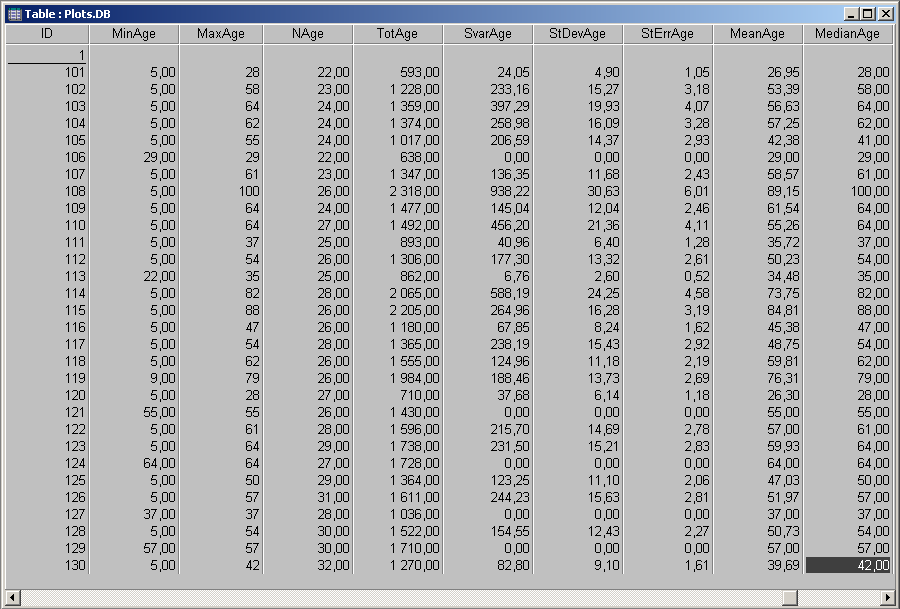
- SQL filter
It is possible to enter an SQL filter to filter the source layer.
- Perform task
Click this button to store the calculated statistics in the target layer data table.