13.13 Deleting trees which do not match parameters
|
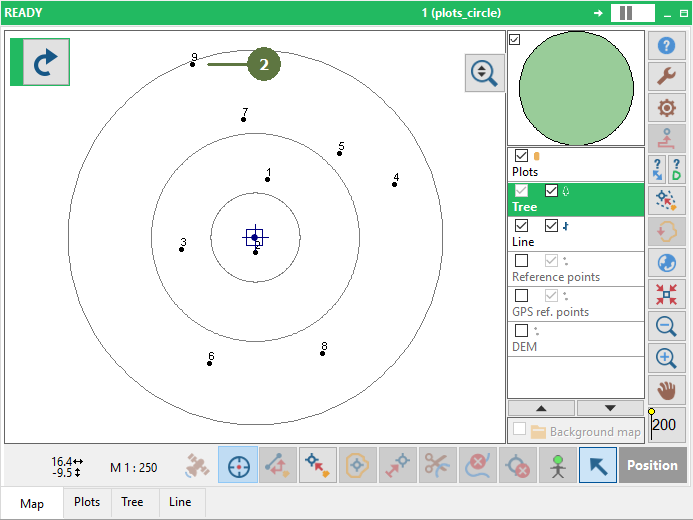
Make sure that you have measured the position of trees
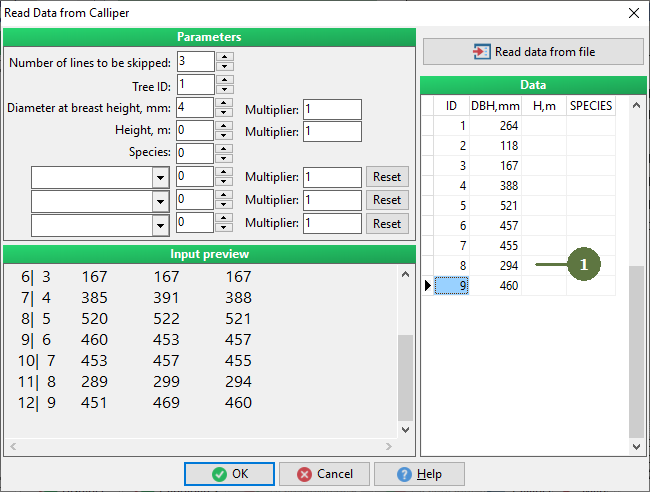
Read data from a offline calliper , for more information see Downloading DBH data from calliper off-line
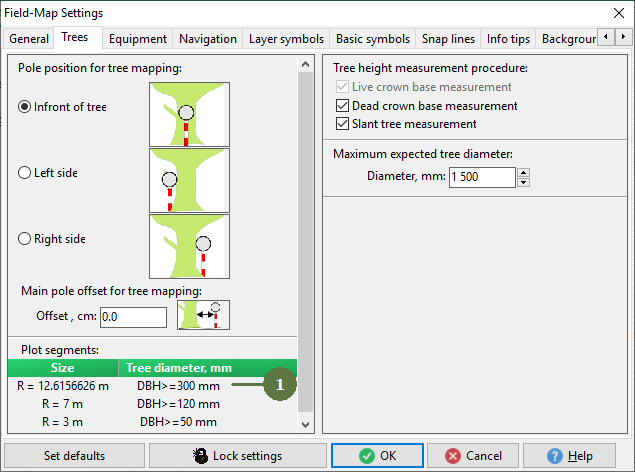
Defined subcircles in the settings, for more information see The principle of concentric circles
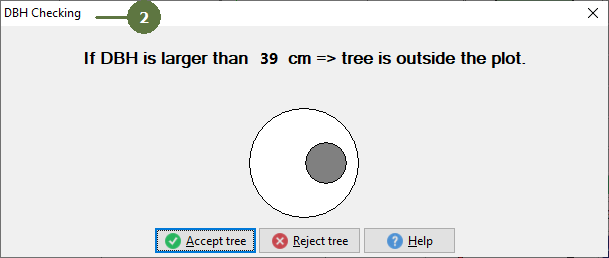
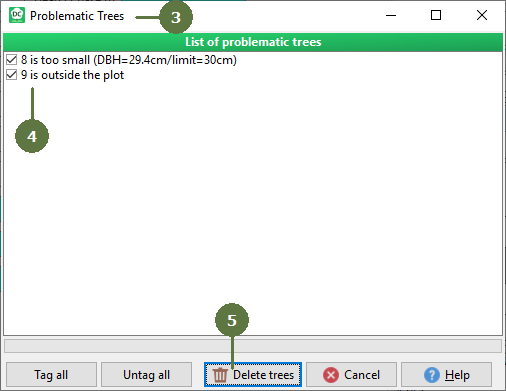
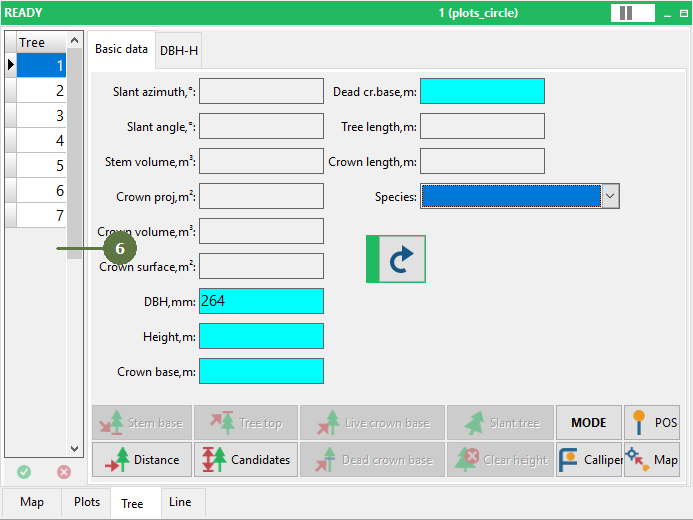
Download DBH data from the calliper. Field-Map automatically refreshes DBH and checks if trees have a diameter large enough for the defined subcircles.
|